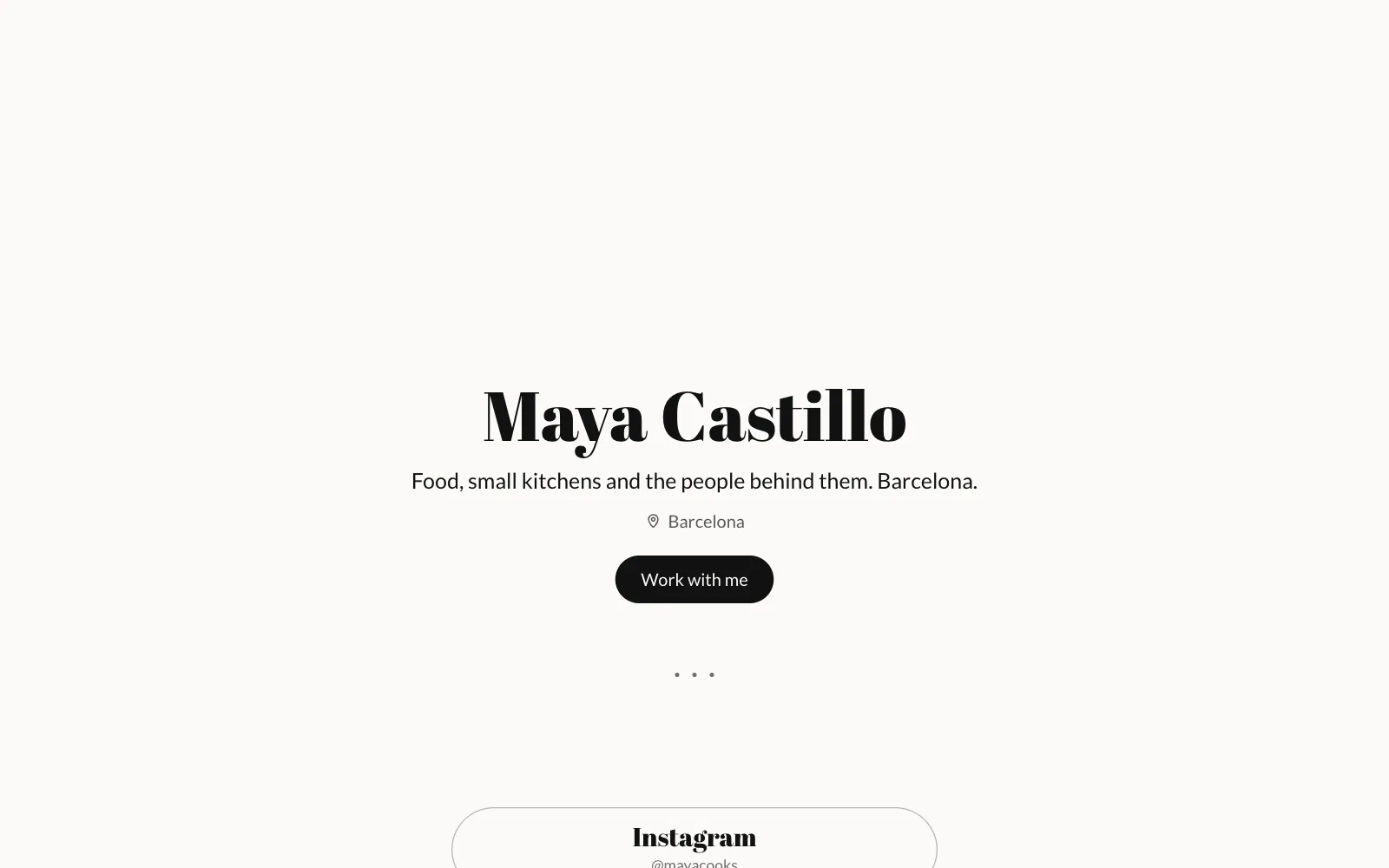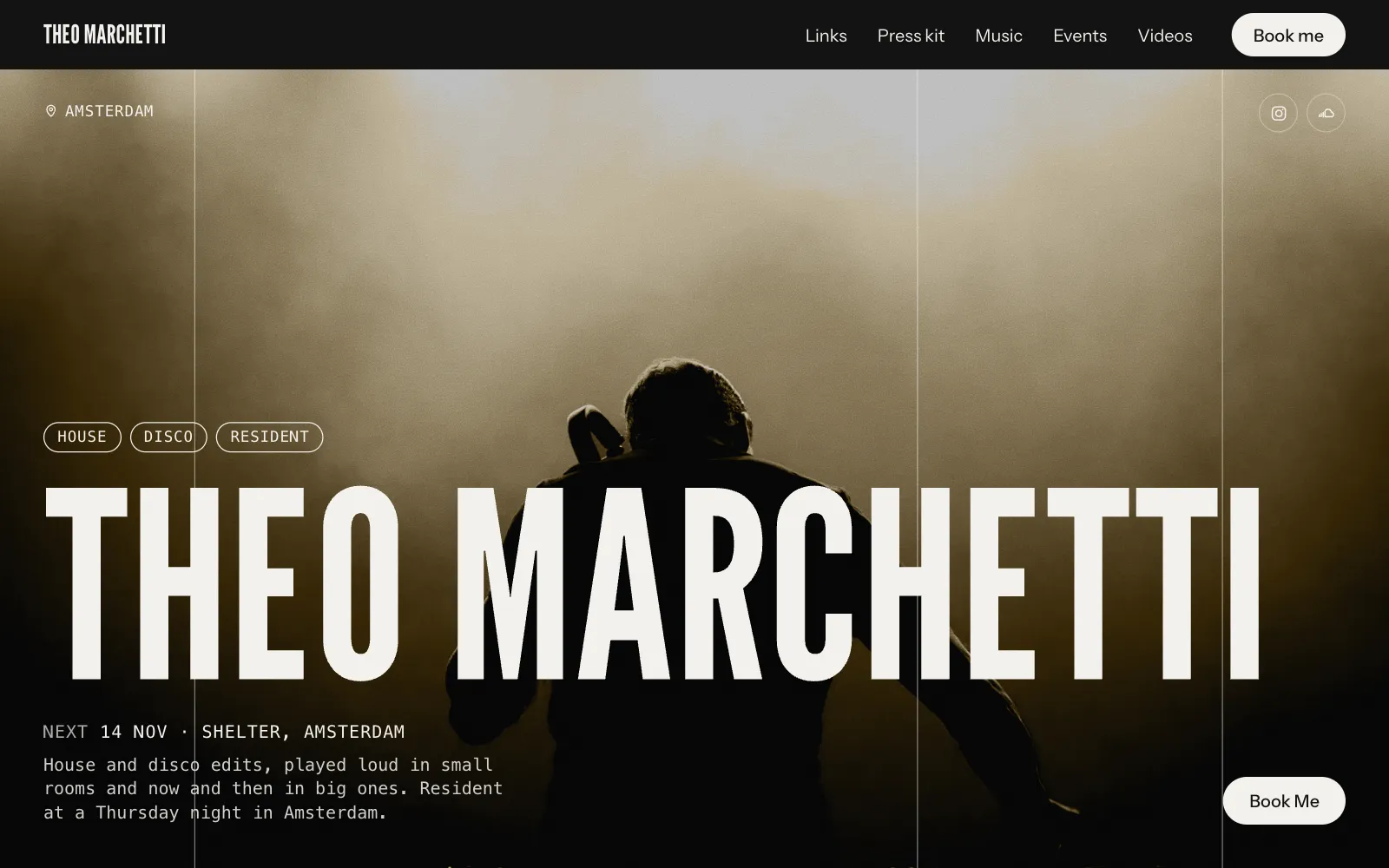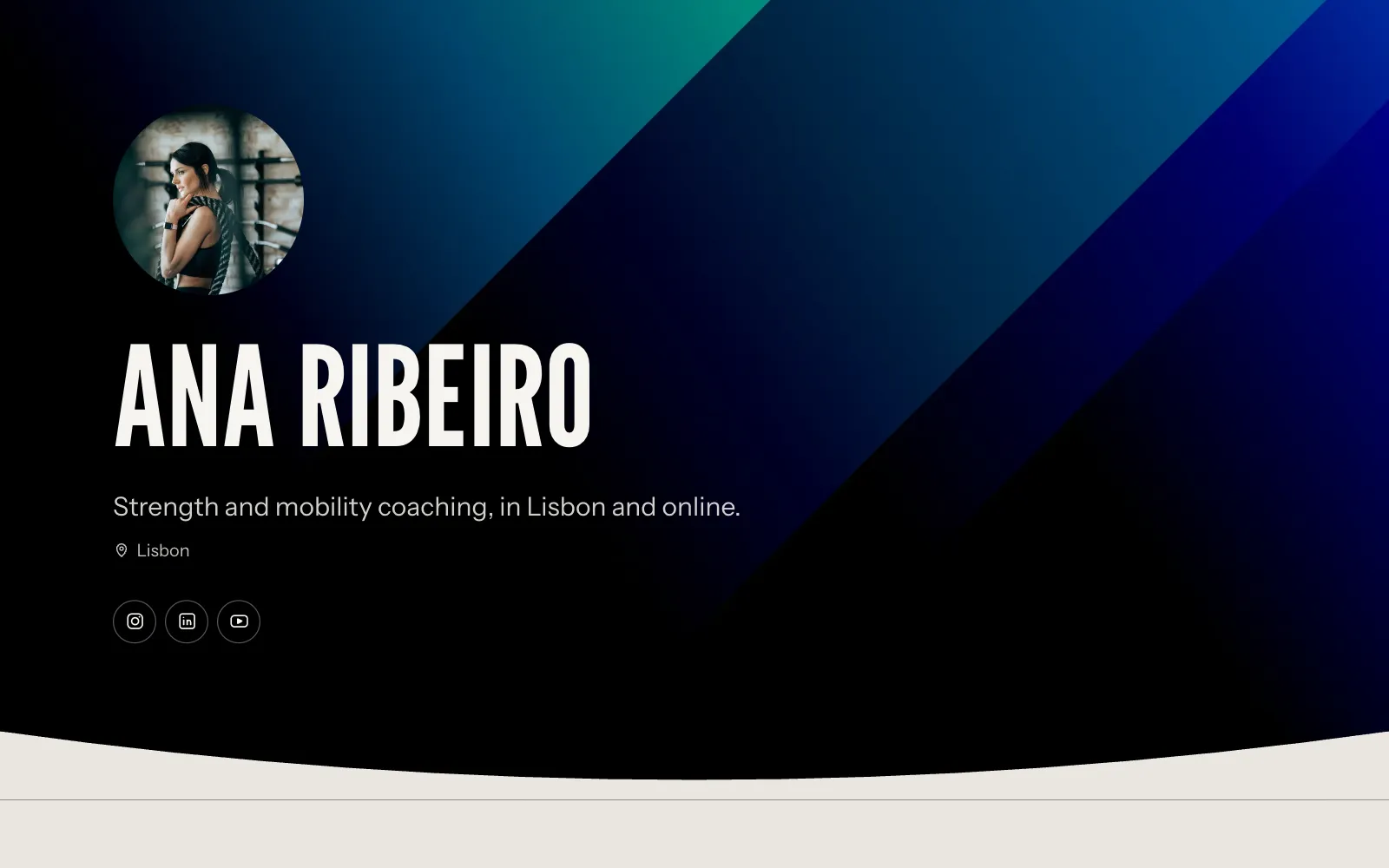
Depop link in bio: one page that sells the outfits you post
A Depop link in bio that shows each outfit with every piece tagged, priced and linked to its listing. Set it up in ten minutes, and handle pieces that sell.
· 6 min read
You film the outfit, post it, and the comments arrive within the hour: is the jacket still available, link for the jeans?, where did you get the bag. Your bio says “shop on Depop”, so they tap it, land on a grid of eighty listings sorted by newest, scroll for a minute, and leave. The jacket was there. They never found it.
That gap is what a Depop link in bio has to close. Not a list of buttons, but the outfit they just watched, with each piece on it named, priced and one tap from its listing. This guide shows how to build that page in about ten minutes, how to copy the right Depop link (most people copy the wrong one), and what to do with a look once its pieces have sold.
What a Depop link in bio needs to do
Three jobs, in this order:
- Show the outfit. The photo or still from the video they came from, so they know they are in the right place.
- Name every piece on it. Jacket, top, trousers, bag, each with a price, so they can see the one they wanted at a glance.
- Send them to that exact listing. Not your shop. The listing, where the buy button is.
Everything else on the page, your TikTok, YouTube, a line about you, is secondary. If a visitor can get from your video to the jacket’s listing in two taps, the page is doing its work.
Why a list of links does not sell clothes
Linktree and its lookalikes are fine for sending people to two or three places. They fall down for resellers for a simple reason: a button cannot show a photo, and clothes are bought on photos. A button that says “Depop” sends everyone to the same grid, whether they wanted the cream hoodie or the green bag.
Your Depop shop has the opposite problem. It shows everything, with no outfits. A buyer who liked how the pieces looked together has to reconstruct the look from a grid of flat lays.
The page in between is a shop-the-look page: outfits as you wore them, with the pieces attached. It is what fashion creators use with affiliate links, and it works even better for resellers, because every link is to your own listing and the whole price is yours.
Set it up in ten minutes
You can do this on your phone, which is where your photos are. On UniPage the section is called Shop my looks, and the stylist and fashion-creator templates start with it.
- Start a page. Go to unipage.me/start, say you sell secondhand clothes and post outfits, and a first draft is written for you.
- Add an outfit. Open Shop my looks, add a look, and pick a full-body photo from your phone. A still from the video is perfect: people recognise it.
- Add the pieces. For each one, type what it is (Jacket), the brand and the price, and paste the Depop listing link. Where the shop lets us, the listing’s photo, brand and price fill in on their own.
- Mark each piece on the photo. Tap the outfit photo where the piece sits. A small dot appears there on your page, and tapping it opens the piece. If you have no photo of a piece on its own, the dot is all you need.
- Publish and put the address in your TikTok, Instagram and YouTube bios. One address, everywhere.
Repeat for each outfit you post. A page with eight looks and thirty pieces takes an evening, and from then on it is one look per video.
Copy the right Depop link
This is the mistake we see most. When you open one of your own listings in the Depop app and copy the address, you often get the seller’s version, which ends in /manage/. That page is yours to edit. A buyer who opens it is asked to log in, or sees nothing at all.
The public listing link looks like this:
https://www.depop.com/products/yourshop-vintage-leather-bag-29bc/No /manage/ at the end. The quickest way to get it is to open your shop as a visitor would, from your profile’s share link or a logged-out browser, and copy the listing from there. Check one link from your page in a private window before you post it. If it opens the item with a buy button, they all will.
When a piece sells
Secondhand means one of each, so pieces disappear. Do not take the outfit down: the video is still being watched and the page is your archive. Instead:
- Open the piece, change the price to Sold and remove the link. People still see what it was and stop landing on a dead listing.
- If you have something similar in stock, point the link at that listing and say so in the name: “Jacket (similar)”.
- Once every piece in a look is sold, move the look to the end. The outfits with things still for sale should come first.
One page for Depop, Vinted, Poshmark and eBay
Most sellers end up on more than one marketplace, because buyers are in different places. The page does not care: each piece links wherever that item is listed. One outfit can send the jacket to Depop, the jeans to Vinted and the trainers to eBay, and the visitor never has to know which app they are being sent to until they get there.
If you also wear things you did not sell, from brands with affiliate programmes, paste that link instead and switch on the commission line. It appears under every Shop button, which keeps you on the right side of the disclosure rules.
What else belongs on the page
Keep it short. Resellers’ pages that convert tend to have:
- A photo of you and one line: what you sell, your sizes, where you ship.
- Shop my looks, with the newest outfit first.
- Links to your TikTok, YouTube and Instagram, and your Depop shop as a whole for people who want to browse.
- A way to message you, for bundle requests and measurements.
That is one screen on a phone. Anything more, and the outfit the visitor came for moves further down.
Your options, compared
| What the buyer sees | Taps from video to listing | Cost | |
|---|---|---|---|
| Depop shop link | Your whole grid, newest first | Two, plus scrolling to find it | Free |
| Linktree with a Depop button | A list of buttons, then the grid | Three, plus scrolling | Free, paid for design |
| Pinning items in a TikTok | Only where TikTok Shop is on, only your listings there | One | Platform fees |
| Shop-the-look page (UniPage) | The outfit, each piece priced and linked | Two | Free to build, from $4 a month |
Before you post the link
- Open one listing link from your page in a private window. It should show a buy button, not a login.
- Check prices on the page match the listings. Buyers notice.
- Put the address in every bio the same day, so people see the same thing everywhere.
- Say it in your next video: “everything is linked on the page in my bio”. The comments asking for links drop off within a week.
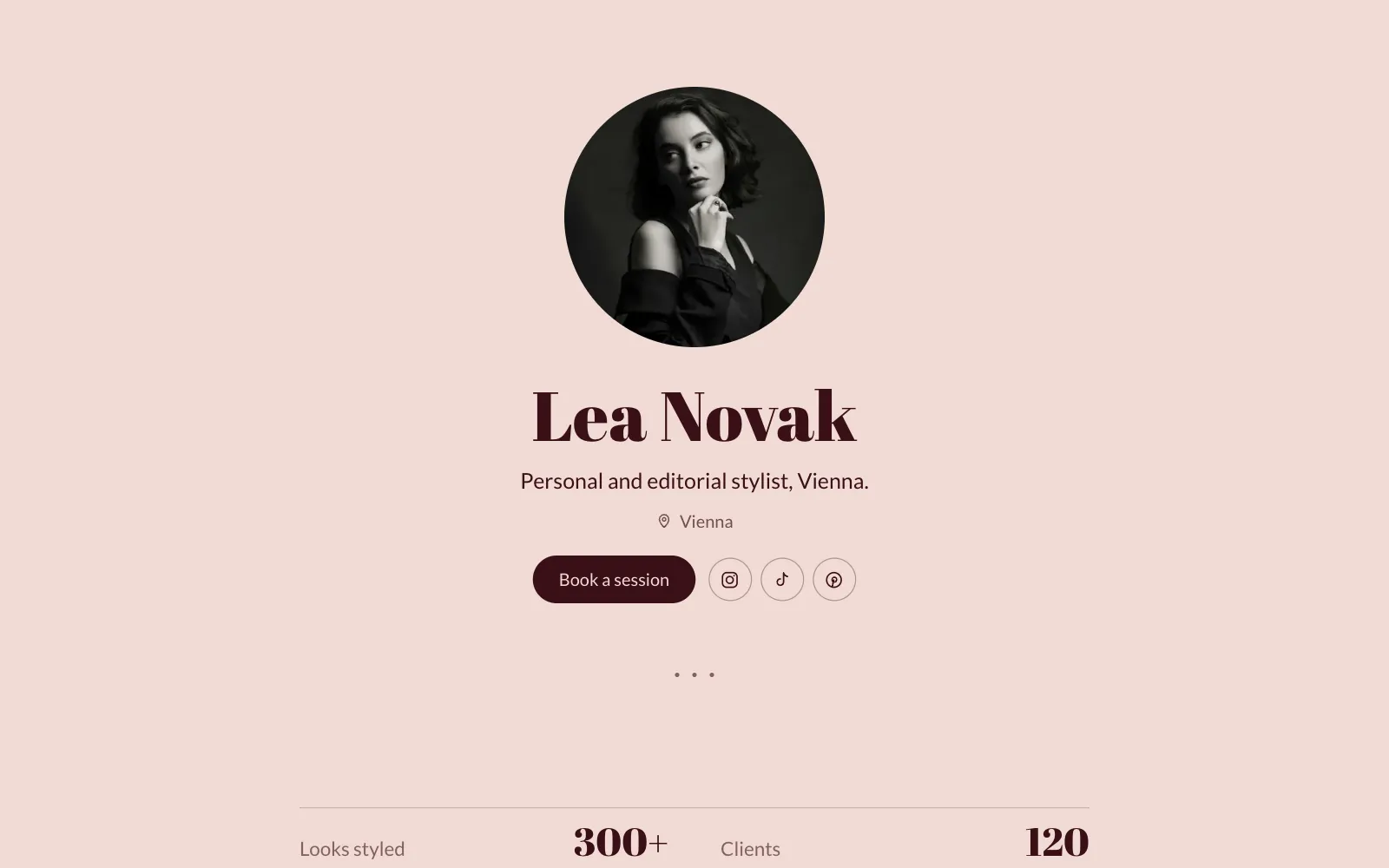
If you are weighing this against other tools, our honest comparison of Linktree alternatives covers the trade-offs. To see a finished shop-the-look page first, look at the one made for stylists and fashion creators, or browse the templates.
Questions
- Does Depop have a link in bio?
- Depop gives you a shop page and a short bio, and your shop link is what most sellers put on TikTok and Instagram. It leads to your whole grid of listings, not to the outfit someone just watched, which is why a page of your own that links each piece to its listing converts better.
- Can I put Depop and Vinted on the same page?
- Yes. Each piece links anywhere, so one outfit can send the jacket to Depop, the jeans to Vinted and the shoes to eBay. Your followers see one page; where each item sells is your business.
- What happens when a piece sells?
- Open the piece on your page, type Sold in the price field and take the link off, or remove the piece. The outfit stays on the page as part of your archive, and people stop landing on a dead listing.
- Is it free?
- Building the page is free and it stays live free for 7 days without a card. After that, plans start at $4 a month, which is less than one sale on most sellers' pages.
- Do I need a website as well?
- No. The page is your website: a yourname.unipage.me address, or your own domain on the Pro plan, with your outfits, your links and a way to message you. Most sellers never need more.
Make your page with AI, in about a minute.
Free to build. Live free for 7 days, no card. See pages for stylists and fashion creators.
Make your page