 UniPage
Edit your page by typing.
Open the AI Editor and say what to change, in your own words. It changes your page for you: the words, the layout, the colours, the photos, whole sections.
How it works.
- 1
Open the AI Editor
Tap AI Editor at the top of the editor. A bar opens under your page.
- 2
Scroll to a section
It works on the section you are looking at, so “make this shorter” means this.
- 3
Say what to change
Type it in your own words, in any language. Your page changes as you watch.
- 4
Keep it or undo it
One tap takes the change back. You can still edit everything by hand.
What you can ask.
A few of the things people ask. Anything you would change by hand, you can ask for instead.
Words
Rewrites, shortens, translates and fills in, in a voice that sounds like you.
- Write a shorter line under my name
- Rewrite my intro in a warmer tone
- Translate my page into Spanish
Sections
Adds, moves, hides and removes whole sections, and changes their layout.
- Add a booking form under my photos
- Put my mixes above the dates
- Show my projects as a slider
Look
Changes the template, the colours and the fonts. Your content stays as it is.
- Make the page darker
- Make it lighter and calmer
- Use the Atelier template
Photos
Looks at your photos, sorts them, describes them, and finds new ones on Unsplash.
- Sort my photos into Editorial and Commercial
- Describe these photos for search
- Find a calm beach photo for the cover
Details
Prices, dates, numbers and links, and whole lists pasted in one go.
- Add Fabric, London on 14 March
- Add this jacket from its shop link
- Here is the itinerary, split it into days
The editor itself
Shows the preview on a phone or a computer, plays your reel, and publishes.
- Show me how it looks on a computer
- Play my reel
- Publish it
Made for what you do.
It knows the kind of page it is working on, so a model can ask for their height and a DJ for their next date.
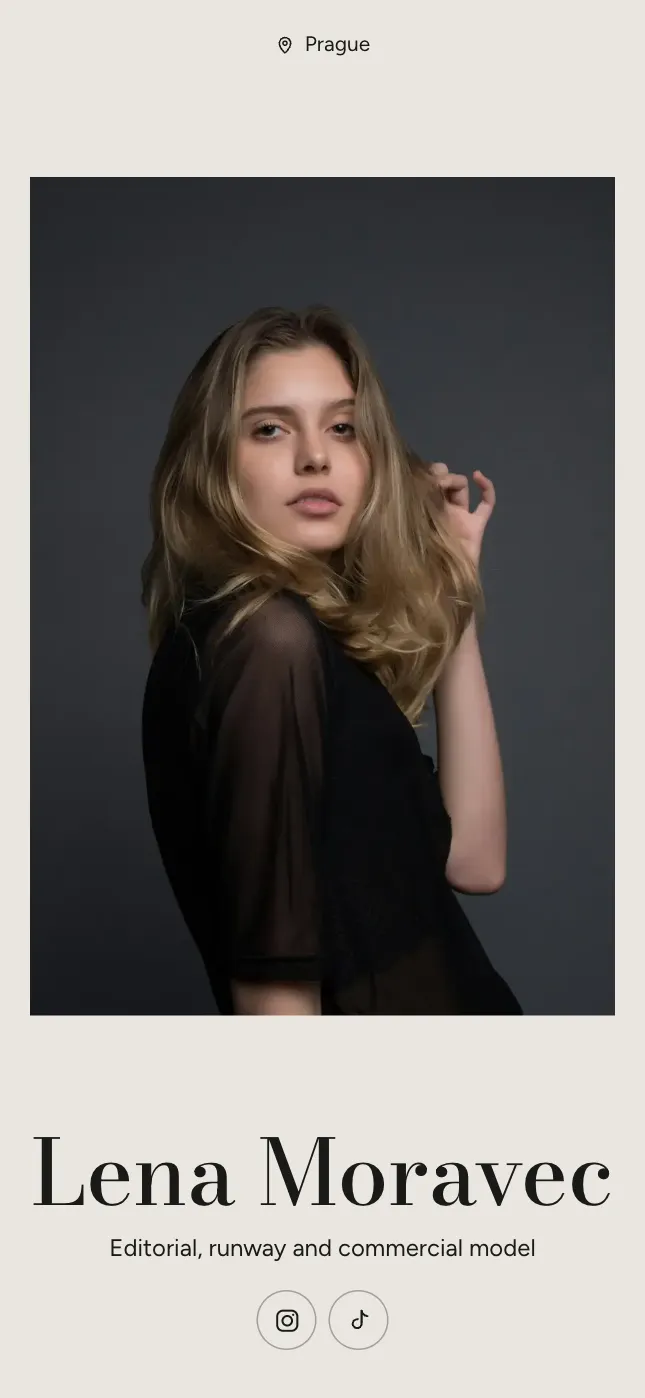
- Sorted 14 photos into Editorial and Commercial, with a filter above them.UndoEdit your page
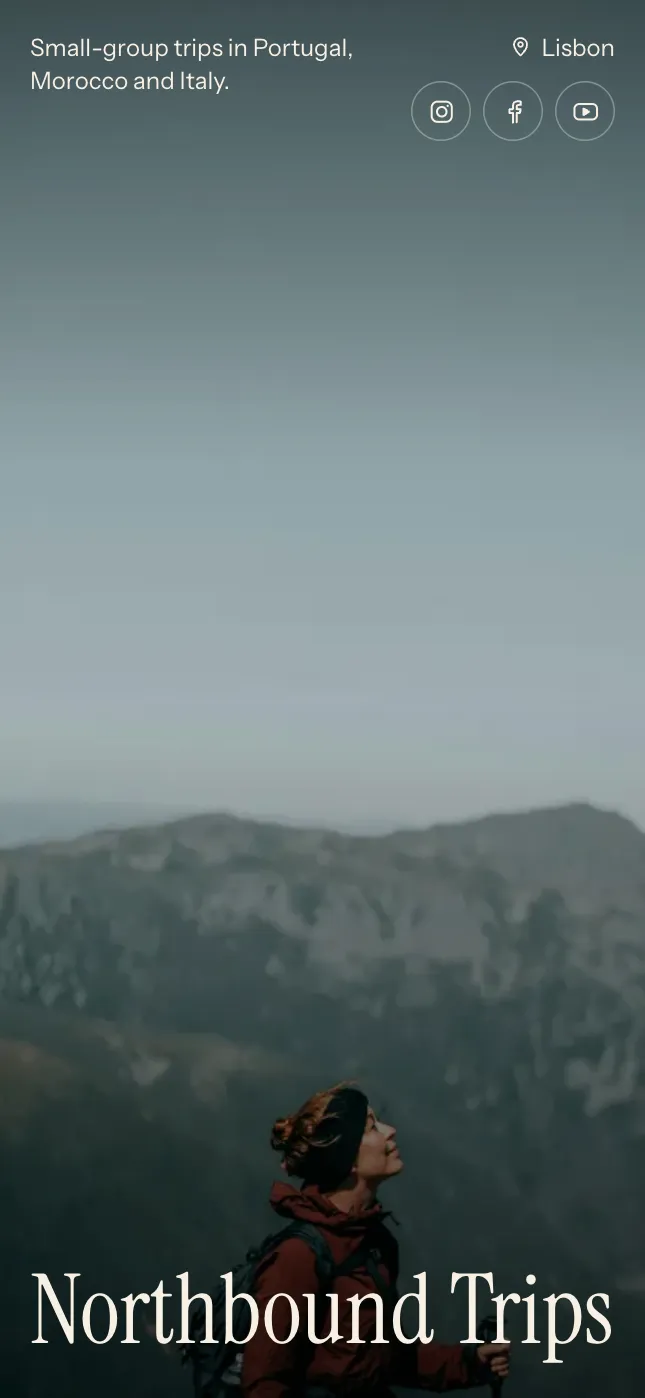 Added Marrakech and the Atlas with five days, the price and what is included.UndoEdit your page
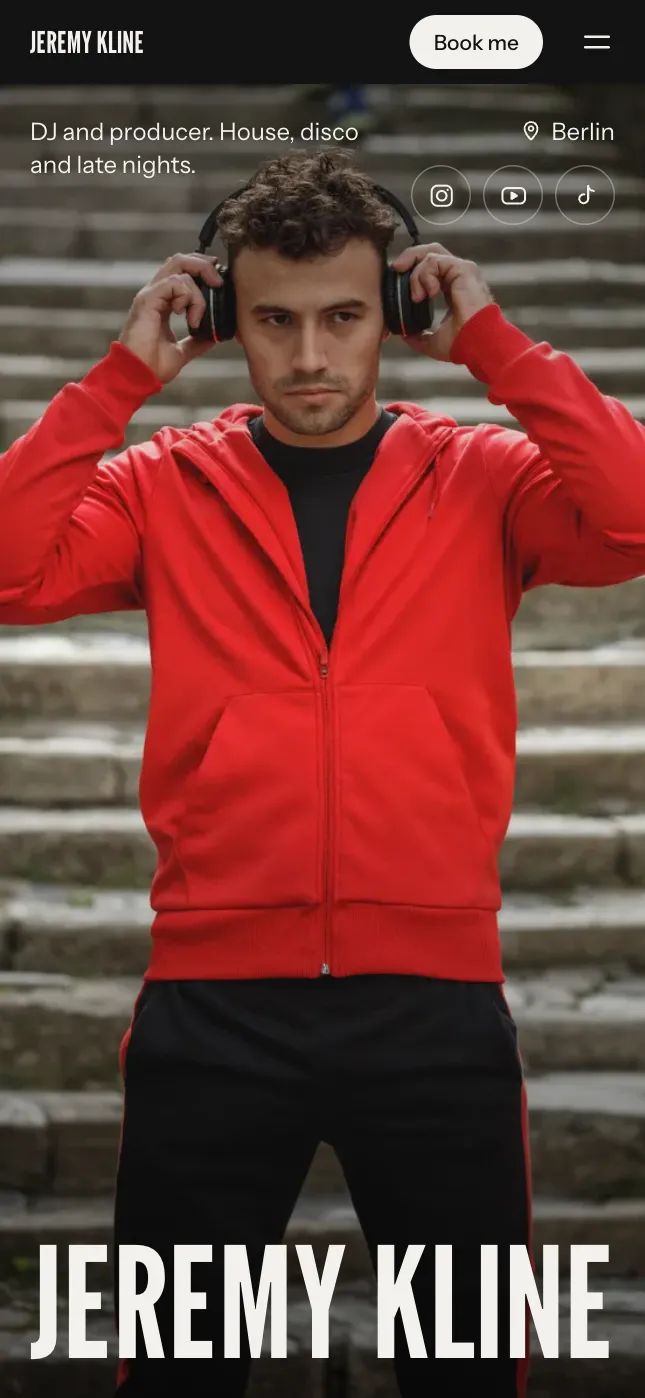 Added Fabric, London on 14 March to your dates.UndoEdit your page
Questions.
- Does it change my page without asking?
- It changes only what you ask for, and every change can be undone with one tap. Nothing goes live until you publish.
- Which languages does it understand?
- Any language you write in. It answers in yours, and keeps your page in the language it is written in unless you ask it to translate.
- Can it see my photos?
- When you ask about them, yes: it can sort them into categories, write descriptions for screen readers and search, and choose a cover.
- Where do new photos come from?
- Your own uploads, or Unsplash when you ask it to find one. Photos from Unsplash are free to use.
- Is it included?
- Yes, on every plan: from 20 AI edits a day. You can try it while you build, before you publish.