Link in bio ideas: what to put there for your kind of work
Practical link in bio ideas for models, DJs, photographers, coaches, creators and stylists: what to include, what order to put it in and what to cut.
· 5 min read
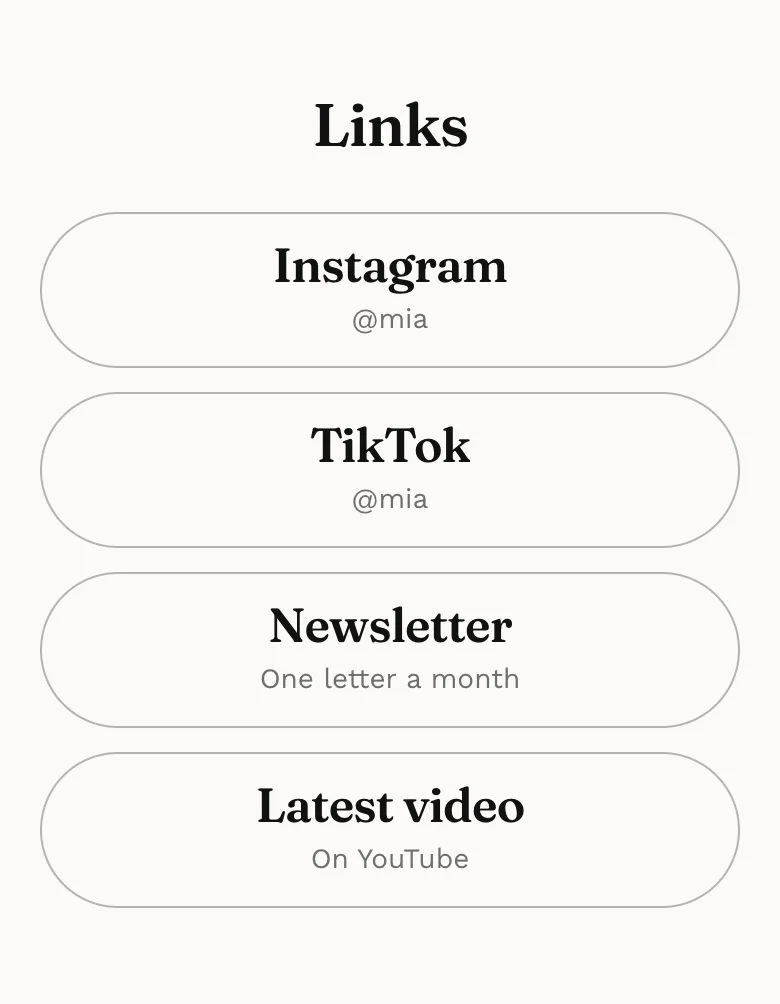
Your bio link is the only place on Instagram or TikTok where someone can act on their interest in you. Most people fill it once and forget it. These link in bio ideas are sorted by kind of work, so you can copy what fits, put it in a sensible order and cut what is only taking up space.
One rule runs through all of them: decide what you most want a visitor to do, and make that the first thing they see.
Start with one main action
Before choosing links, finish this sentence: “Someone who taps my link should…”. Book me, listen to my set, buy my preset pack, see my portfolio. That answer goes at the top, as the biggest button or the first section.
Everything else supports it. If you cannot pick one, look at your DMs: the question people ask most is usually the action your page should lead with.
Your main action can change with the season. A DJ might lead with a new release for a month, then switch back to bookings. That is fine, as long as there is only ever one thing at the top, and you remember to change it back when the moment has passed.
Link in bio ideas by kind of work
Models
- Your strongest picture as the cover, with your name and city.
- A gallery split into categories like editorial, commercial and runway.
- Measurements and height, written out, not in a screenshot.
- Plain digitals for castings.
- Your agencies by city, and a direct contact for anything else.
More on this in our guide to a model portfolio website.
DJs and musicians
- Your latest mix or release, playable on the page.
- Upcoming dates with venue and city, soonest first.
- A booking form asking for date, venue and type of event.
- A press kit: short bio, photos, past venues and residencies.
Photographers
- A gallery of your best twenty or so images, not your whole archive.
- What you shoot and where: “Wedding and portrait photographer in Lisbon”.
- Packages or starting rates, so people can qualify themselves.
- A short review or two from real clients, with their permission.
- An inquiry form asking for date, location and type of shoot.
Coaches and trainers
- Who you help and with what, in one line.
- Your offers as cards: name, what is included, price, button.
- Results or reviews from clients who agreed to be quoted.
- A way to book a first call or send a question.
- A free resource, if you have one, lower down the page.
Content creators and influencers
- The brand-facing basics: audience size, platforms, niche.
- Past collaborations, as logos or short credits.
- A clear “work with me” contact for brands.
- For followers: your latest video, codes and products you recommend.
If brands are your main audience, a proper influencer media kit is worth building.
Stylists
- Looks you have put together, with each piece and where to buy it.
- Editorial and client work, credited properly.
- Services: personal styling, wardrobe edits, shoots, with a starting price.
- An inquiry form for clients and productions.
Ideas that work for almost anyone
Some things earn their place whatever you do. Pick the ones that are true for you:
- Your availability. “Booking for spring” or “Two spots left in March” tells people to act now, and saves you answering the same message.
- Where you work. Your city, and whether you travel. Clients often filter on this before anything else.
- The languages you work in. Useful if you take international clients or work across borders.
- What is new. One fresh item near the top, such as a release, a launch or a recent project, shows the page is alive.
- A starting price. Even “from €150” filters out people who were never going to book and reassures those who will.
- A short line in your own voice. Two sentences on how you work does more than a list of adjectives.
Keep each of these short. Your bio link is read with a thumb, on the way to somewhere else, so one clear line beats a paragraph every time.
A good order for your link in bio
Most visitors arrive on a phone and decide within a scroll or two. Order the page by importance to them, not by when you added things.
- Who you are. Photo, name, a few words on what you do and where.
- The main action. Book, listen, shop or view, depending on your work.
- Proof. Your work, reviews, credits or numbers.
- Details. Rates, dates, services, measurements.
- Everything else. Other socials, older projects, a newsletter.
What to cut
A shorter page usually performs better, because every extra link makes the important one easier to miss. Remove:
- Links to profiles the visitor has just come from.
- Old launches, finished giveaways and past events.
- Duplicates, like three links to slightly different playlists.
- Anything you would be embarrassed for a client to open.
- Vague labels like “Click here” or “My stuff”.
Common link in bio mistakes
| Mistake | Fix |
|---|---|
| Ten equal buttons, no clear first choice | One main action at the top, the rest below |
| “Portfolio” button leading to a cloud folder | Show the work on the page itself |
| Only an email address to get in touch | A short inquiry form with the questions you always ask |
| Dates from last season still listed | Remove past events, or use a section that drops them automatically |
| Never checked on a phone | Tap every link on your own phone before sharing |
Turning the link into a page
You may notice that most of these ideas are not links at all. A gallery, dates, rates, reviews and a booking form are page content. Put behind a button, they cost each visitor an extra tap and a new site to load.
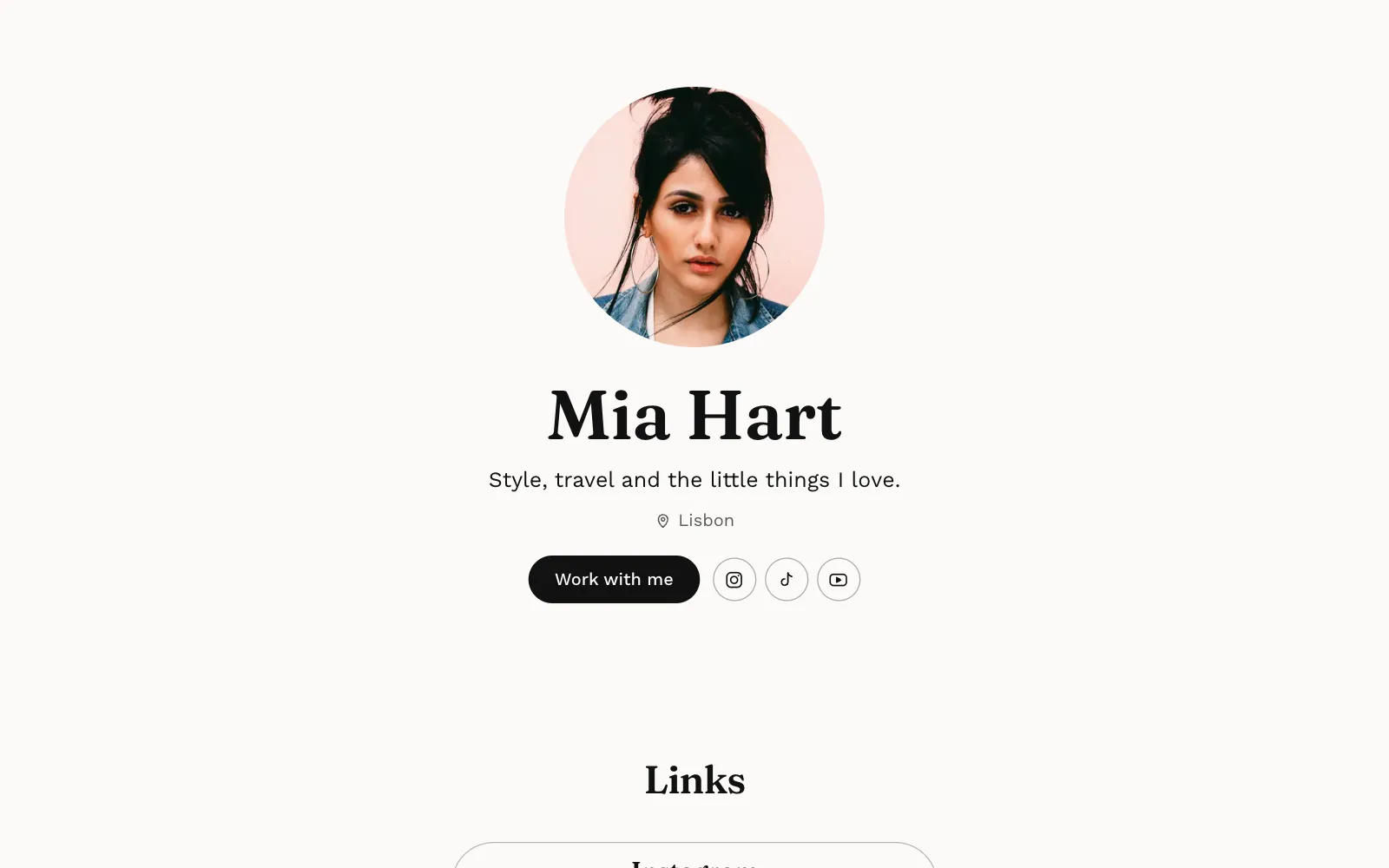
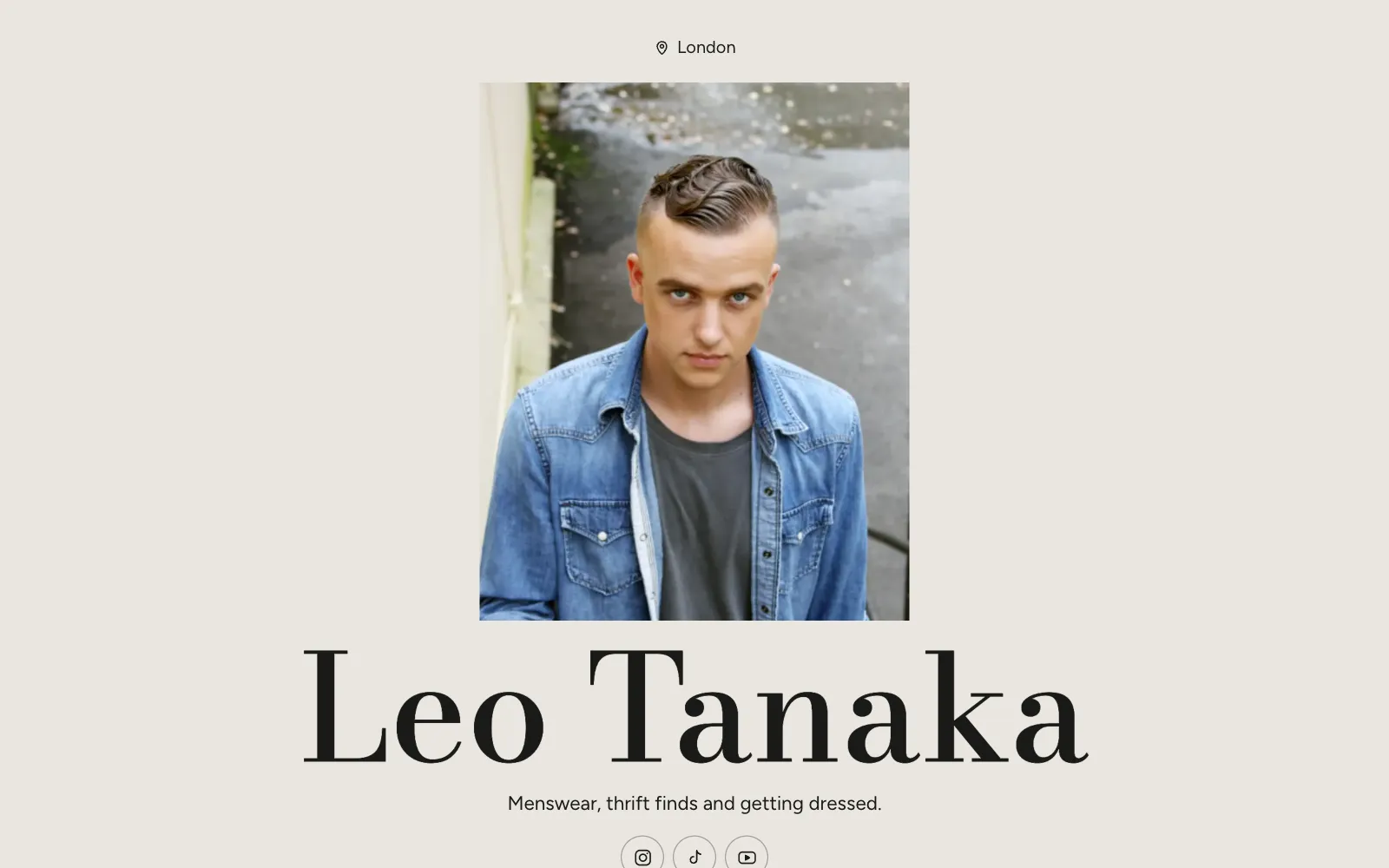
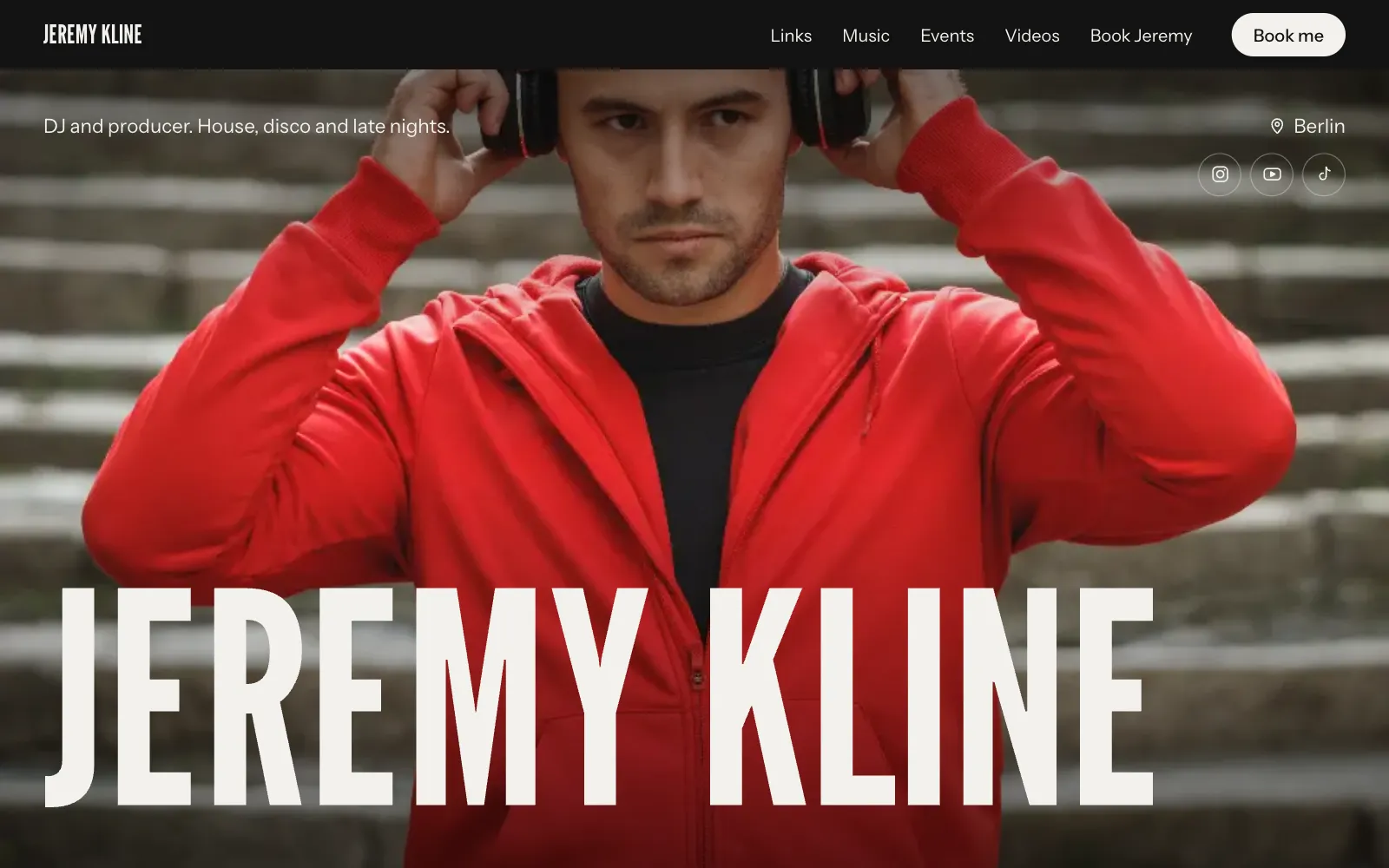
That is why many people end up with a one-page site in their bio instead of a list. On UniPage, the Links section still gives you buttons with icons or photos where you need them, sitting alongside a gallery, events that hide themselves once the date has passed, stats, reviews and a booking form. If you are weighing the two approaches, read Linktree alternatives compared, or see a finished example on the page for creators.
Whatever you use, set a reminder to look at your link in bio once a month. Tap every button, remove what is stale and make sure the first thing people see is still the thing you most want them to do.
Questions
- What should I put in my link in bio?
- Put the one thing you most want people to do first, such as booking you, listening to your latest mix or seeing your portfolio, then two to five supporting links. Cut anything nobody has tapped in months.
- How many links should a link in bio have?
- Fewer than you think. Three to six clear options is usually plenty; past that, people scroll and leave without choosing.
- Should my link in bio go to a website instead of a list of links?
- If people need to see your work or contact you, a one-page site with a gallery and a contact form often does the job better than a list of buttons. If your work already lives elsewhere, a list is fine.
- How often should I update my link in bio?
- Whenever the most important thing changes: a new release, a new date, a new offer. A quick check once a month catches broken or out-of-date links.
Make your page with AI, in about a minute.
No sign-up to start. Live free for 7 days, no card. See pages for creators.
Make your page