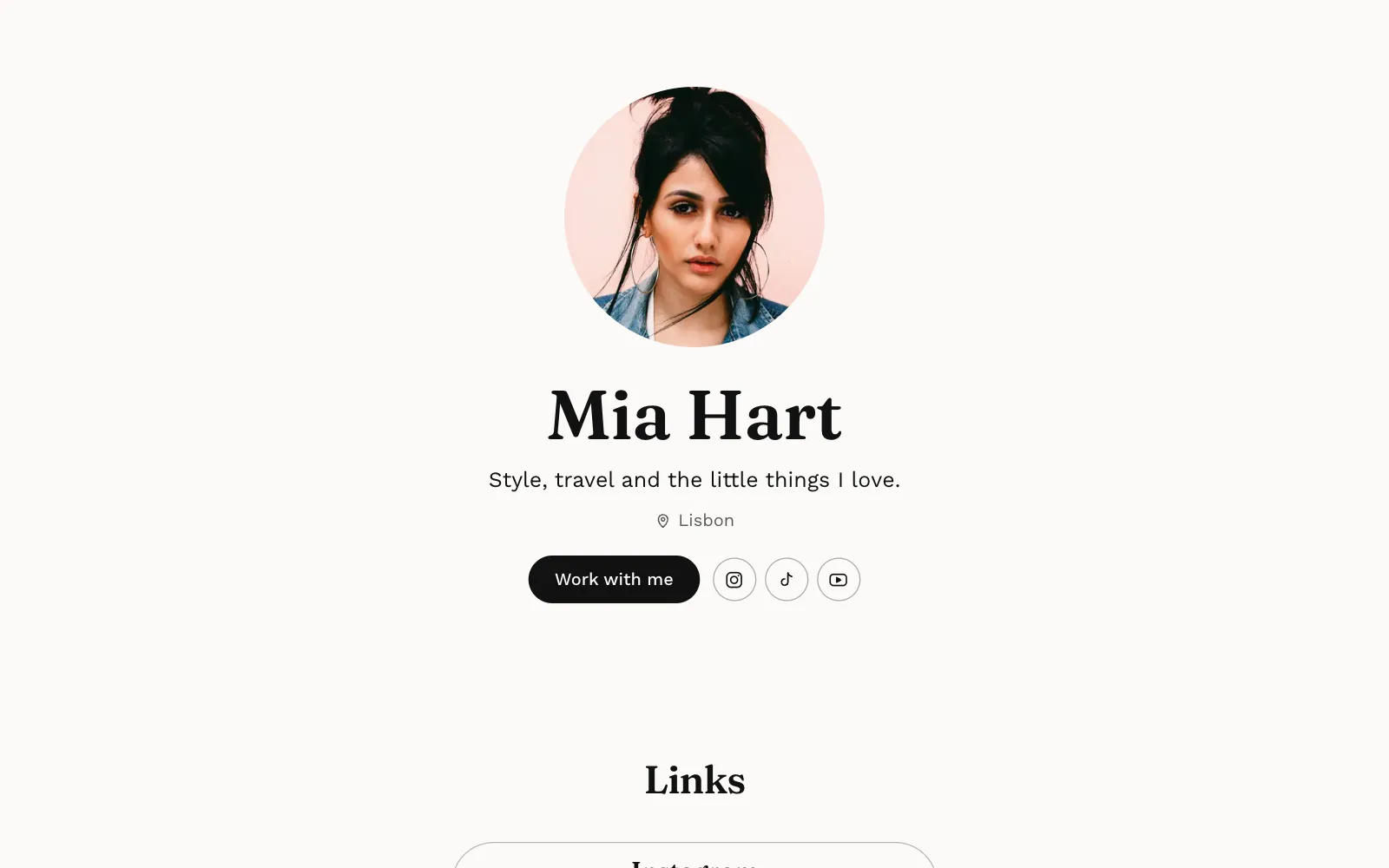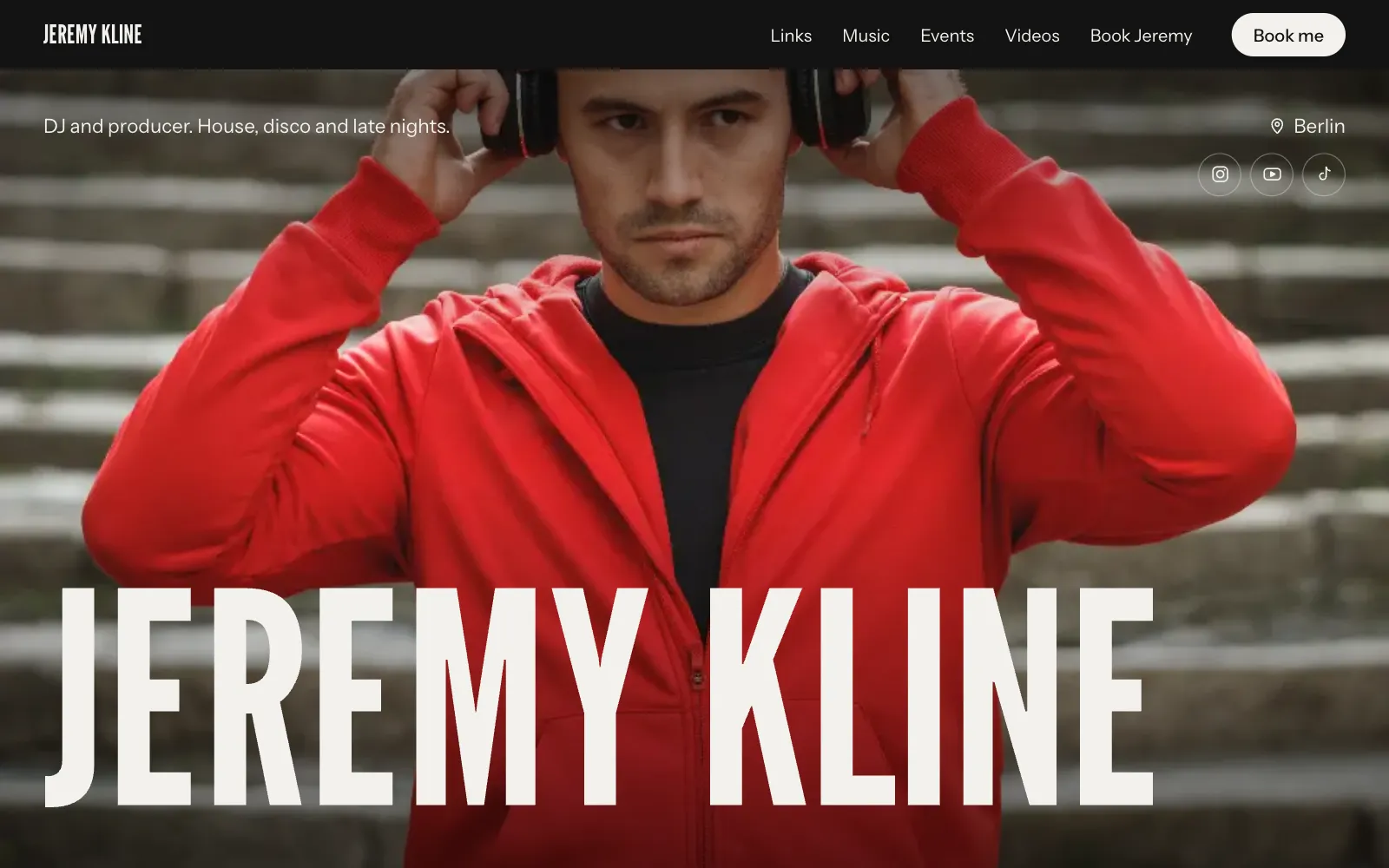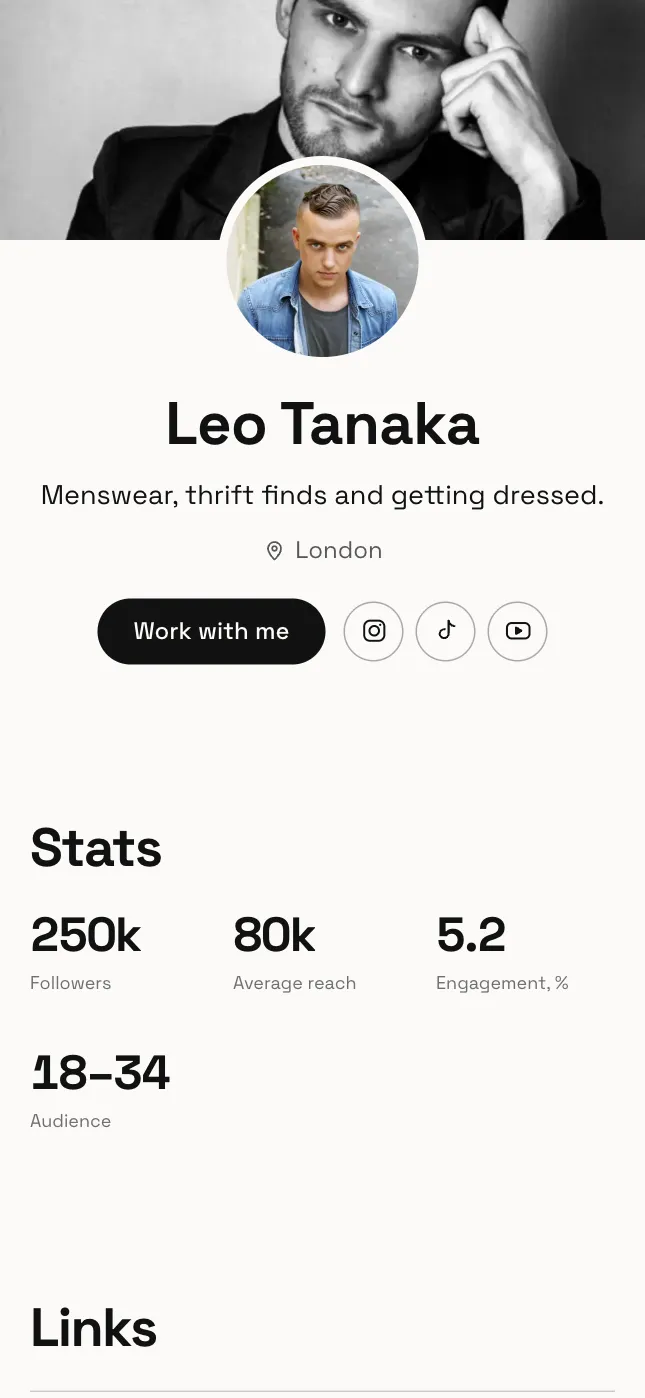
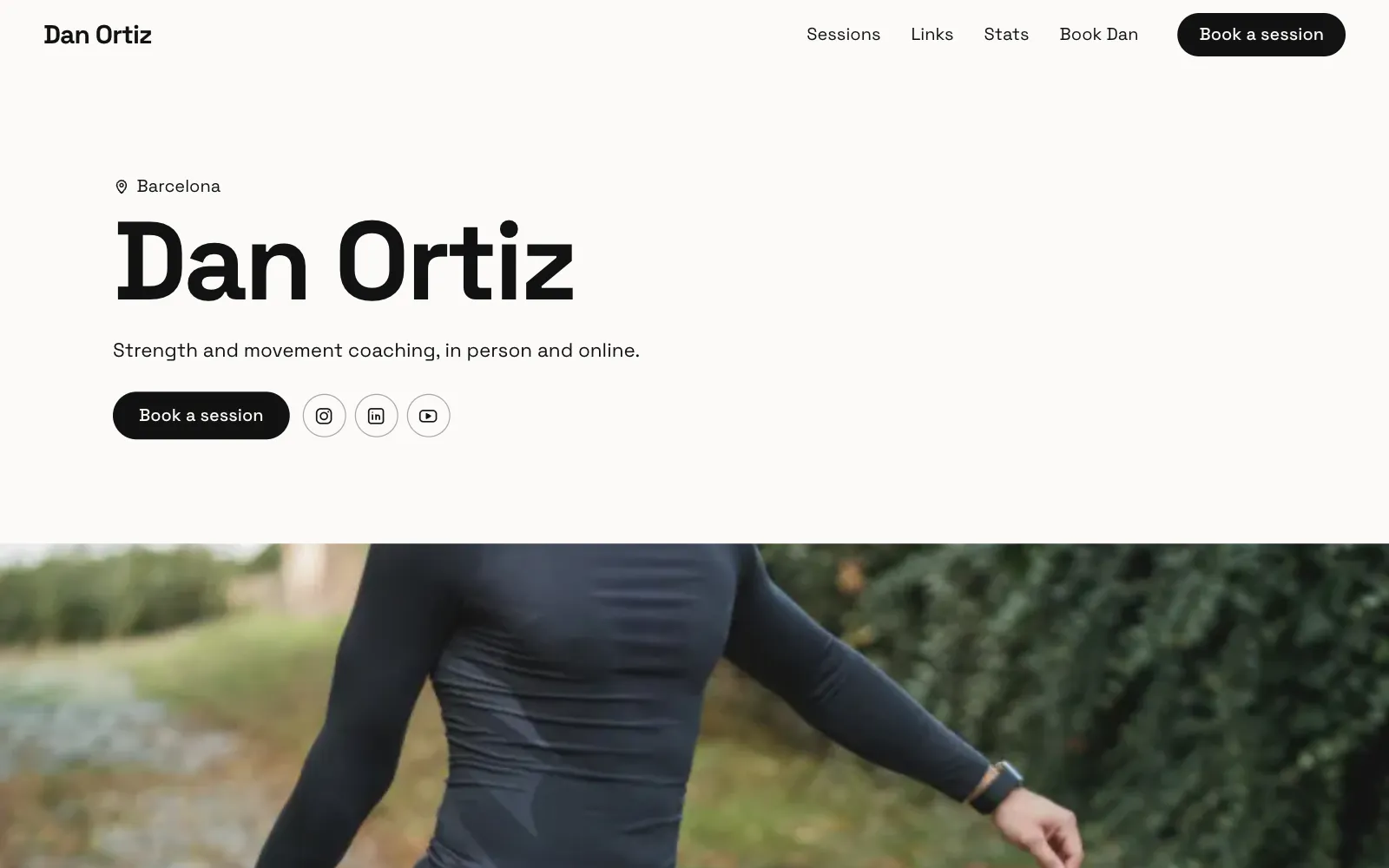
How to get bookings from Instagram: turn followers into enquiries
How to get bookings from Instagram without living in your DMs: a bio that sends people somewhere, a good booking form, stories that point to it, and tracking.
· 5 min read
Plenty of people with a good Instagram following still find their calendar half empty. Often the problem is not the content. It is what happens after someone thinks “I’d like to book this person”. If the path from that thought to a sent enquiry is unclear, most people drop off.
This guide is about how to get bookings from Instagram by fixing that path: your bio and link, a booking form instead of scattered DMs, what to ask in it, how to use stories and highlights, and how to see what is working. It applies to coaches and trainers, photographers, models, DJs and anyone else who sells their time.
Start with the bio and the link
Your bio is read in a couple of seconds. It needs to say what you do, for whom and where, then give one clear next step.
- Say what people can book. “Wedding and elopement photographer, Lisbon and travelling” or “Online strength coaching for beginners” beats a line about your passion.
- Add a call to action. “Bookings and prices below” tells people the link is the way in.
- Use one link that leads to everything. Your link should open a page where someone can see your work, your services and a way to book, without hunting.
If your link currently opens a list of ten buttons, ask yourself which one a potential client should press. If the answer is “the booking one”, make that the page. We go through more options in link in bio ideas.
A booking form vs DMs
Instagram DMs are where many bookings start, and that is fine for a friendly hello. As the main booking channel, they have problems: requests land in the “Requests” folder, details are spread over ten messages, and every conversation starts with the same three questions.
| DMs | Booking form on your page | |
|---|---|---|
| First message | “Hi, how much?” | Date, service, budget and contact details |
| Your first reply | A list of questions | A real answer or a quote |
| Where it lives | Mixed in with friends and spam | One inbox, kept together |
| Feels like | Casual, quick to start | A professional you can trust |
You do not need to choose one. Keep DMs open, and when someone writes, reply kindly with the link to your form: “Thanks for getting in touch, if you fill in this short form I’ll come back to you with availability and a price today.”
What to ask in the booking form
Ask only what you need to send a useful first reply. Every extra field loses a few people.
- Name.
- A way to reply: email, phone or Instagram handle.
- What they want: a short list of your services, or a free text box.
- When: a date for a shoot, a gig or a session, or “start in the next month”.
- Where: city or venue, if travel affects your price.
- Budget or package, if your prices vary a lot.
- How did you find me? Optional, and very useful later.
Examples by kind of work
- Coaches: goal, experience level, online or in person.
- Photographers: type of shoot, date, location, number of people.
- Models: client or brand, shoot dates, usage, rate offered.
- DJs: venue, date, set length, expected crowd.
Point stories and highlights to the page
Many followers rarely go back to your profile after they follow you. They see your stories. So stories are where you remind people that you take bookings.
- Use the link sticker. Add it to any story about your work with a short line: “Two spots left in November, book here”.
- Show the result, then the link. A before and after, a client’s finished photos, a clip from last weekend’s set, then a story with the link.
- Make a “Book” highlight. Save a few stories that explain what you offer, your prices and how to book, ending with the link. Put it first in your highlights.
- Mention it in captions. “Link in bio to book” at the end of a post about your work is plain, but it works as a reminder.
UniPage makes an 18-second reel from your page, tall and ready for stories, ending on your address. You play it full screen and screen-record it, then post it with a link sticker.
Reply quickly, and the same way every time
Someone who sends an enquiry is usually asking more than one person. A fast, clear reply often wins the booking. A few habits help:
- Reply within the same day where you can, even if only to say when you will confirm.
- Keep two or three saved replies: available with a price, not available with an alternative date, and a follow-up.
- End every reply with the next step: a deposit, a call, or a date to confirm by.
- Follow up once if you hear nothing after a few days. A polite nudge often gets the reply.
On UniPage, enquiries from the Booking section arrive in an inbox in your dashboard and by email, so you are not checking three apps.
Track where your enquiries come from
Without tracking, you will guess which posts bring work. A little data helps you post more of what pays.
- Ask in the form how people found you.
- Watch your page visits after a story with a link sticker compared with a normal day.
- Check traffic sources. If TikTok or Google sends more visitors than you expected, it may deserve more attention.
- Keep a simple note of every booking and where it came from. After a few months, patterns appear.
UniPage shows page visits for the last 30 days on every plan. Pro and Business also show where visitors come from (Instagram, TikTok, Google and others), their countries, devices and which links they tap. See the plans for details.
How to get bookings from Instagram: mistakes to avoid
- A bio that says who you are but not what people can book.
- A link that opens a page with no prices and no form.
- Asking people to “DM for rates” and then replying two days later.
- A form with fifteen required fields.
- Never mentioning in stories that you take bookings.
- Old work and old prices on the page people land on.
Fix the path first, then post as you normally do. If you coach or train people, the page for coaches and trainers starts with services, prices and a booking form already in place.
Questions
- How do I get clients to book me from Instagram?
- Make the next step obvious: one link in your bio to a page with your services, prices or starting prices, and a short booking form. Then point to that link regularly in stories and keep it in a highlight.
- Is it better to take bookings by DM or with a form?
- DMs feel friendly but details get lost and every enquiry starts with the same questions. A form collects dates, budget and contact details up front, so you can reply with a real answer straight away.
- What should I ask in a booking form?
- Name, a way to reply, what they want, the date or timeframe, location if it matters, and budget or package. Keep it to the questions you need for a first reply.
- How do I know which posts bring me bookings?
- Ask “how did you find me?” in your form and check where your page visitors come from. On UniPage, visits are shown on every plan, and sources such as Instagram or TikTok are shown on Pro and Business.
Make your page with AI, in about a minute.
No sign-up to start. Live free for 7 days, no card. See pages for coaches and trainers.
Make your page