Linktree alternatives in 2026: what to use when you need more than links
Linktree alternatives compared honestly: when a list of links is enough, which tools suit selling, bookings or a real page, and how to choose the right one.
· 5 min read
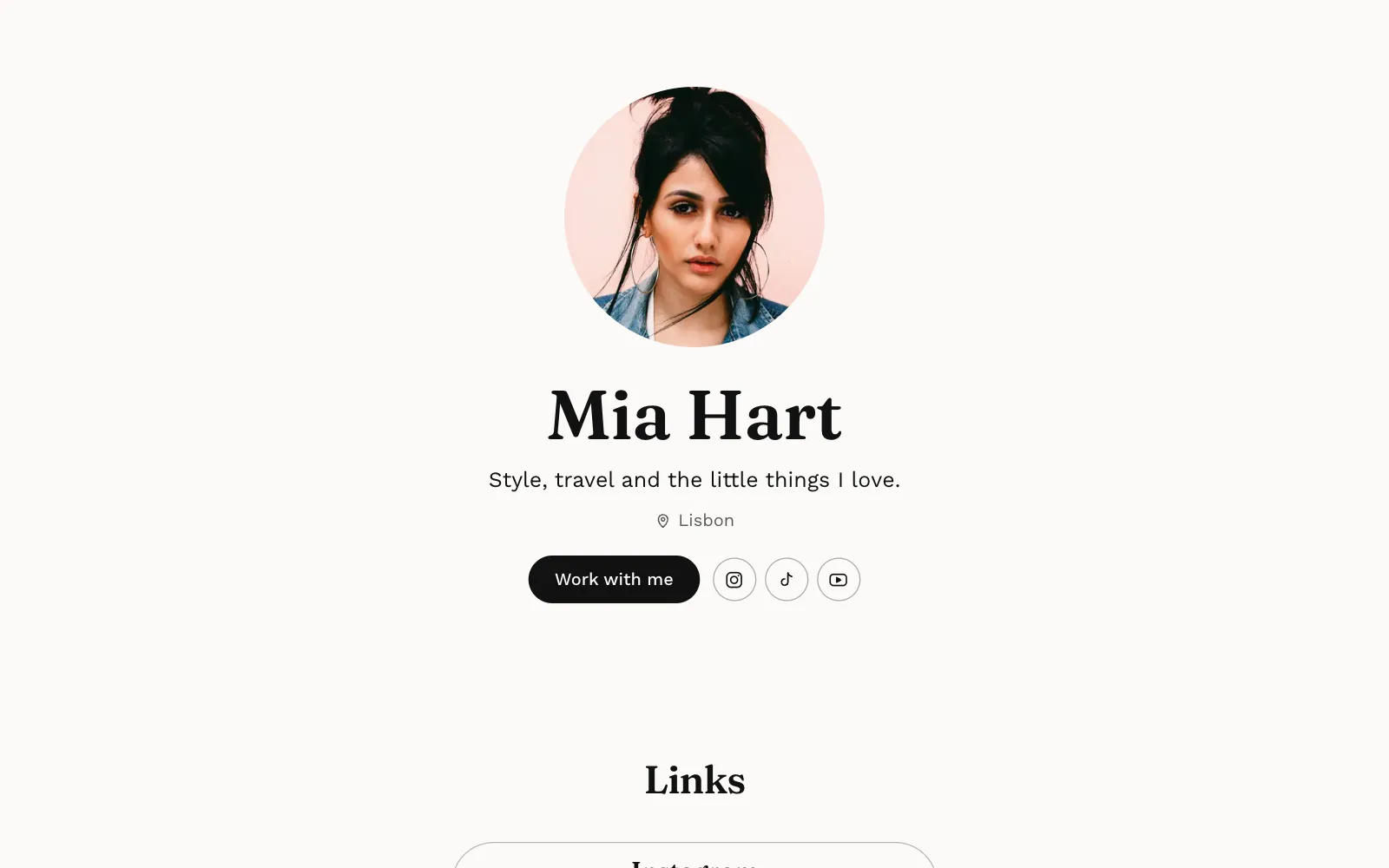
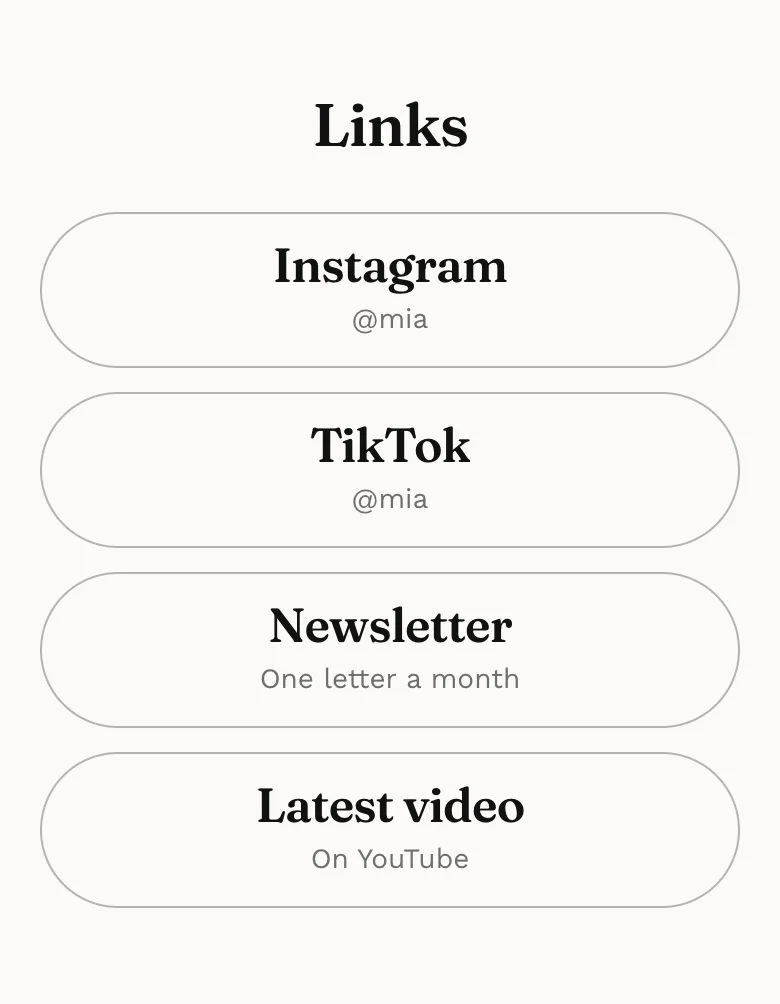
Linktree made the link in bio normal: one address on your profile, a list of buttons behind it. For many people that is still all they need. But if you are looking at Linktree alternatives, it is usually because a list of links has started to feel thin, and you want people to see your work, book you or buy from you without bouncing around.
This guide is honest about when Linktree is enough, then sorts the main alternatives by what each is genuinely good at, so you can pick the one that fits the job rather than the one with the loudest marketing.
When Linktree is enough
Before you switch anything, check whether you actually need to. Linktree has a free plan with unlimited links and basic analytics, and its paid tiers add more design control, deeper analytics, selling and the option to remove its branding. It does its one job well.
Linktree is probably enough if:
- Your work already lives somewhere else, like a shop, a podcast or a YouTube channel.
- You only need to send people to two or three places.
- Nobody needs to see your photos or read about you before they click.
- You change your links often and want that to take seconds.
If that sounds like you, keep it. Switching tools costs time and nobody follows you for your link page.
Signs you have outgrown a list of links
The trouble starts when the link page has to do the work of a website. Common signs:
- People ask the same questions in your DMs. Rates, dates, where you are based, how to book. A page could answer them once.
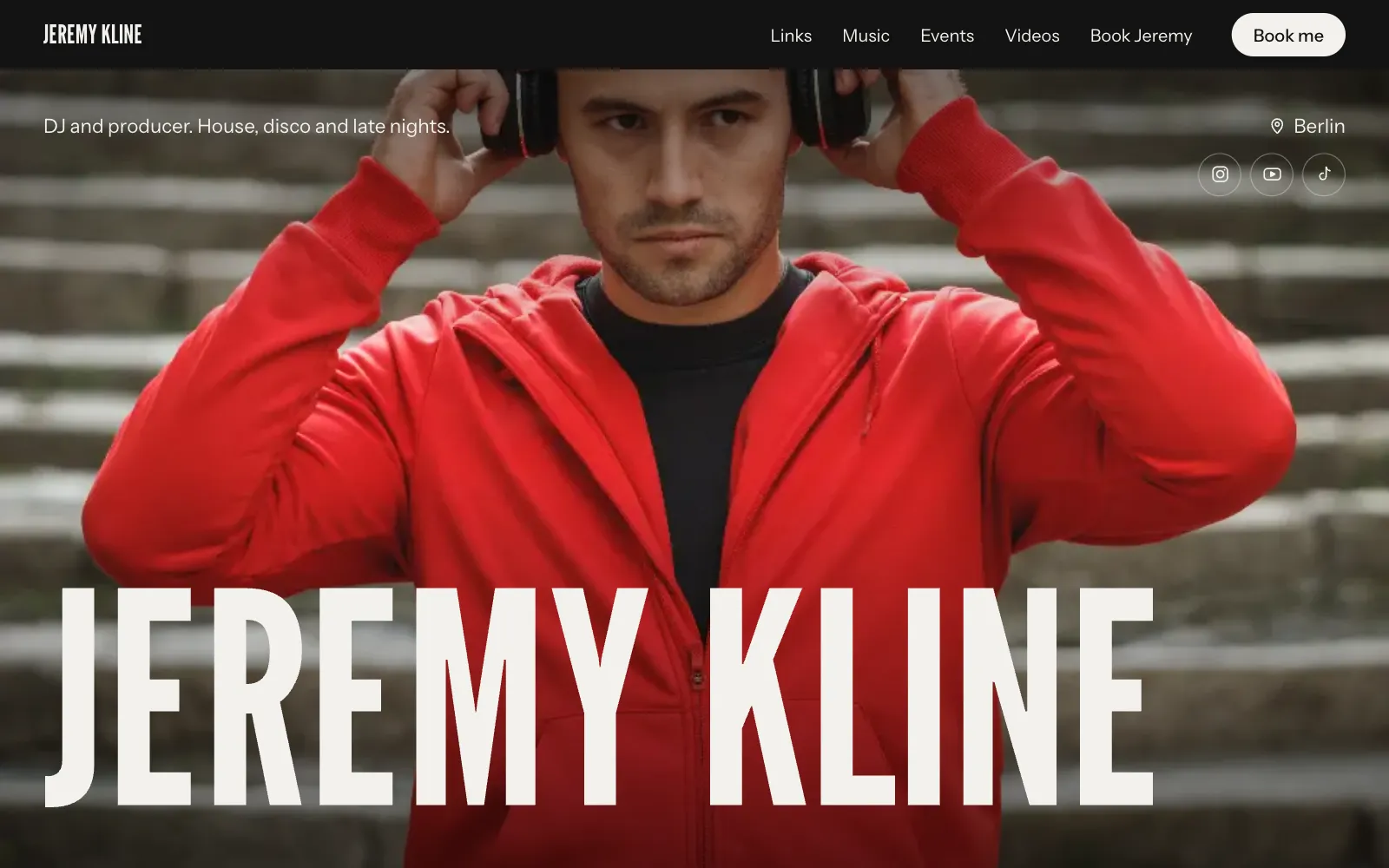
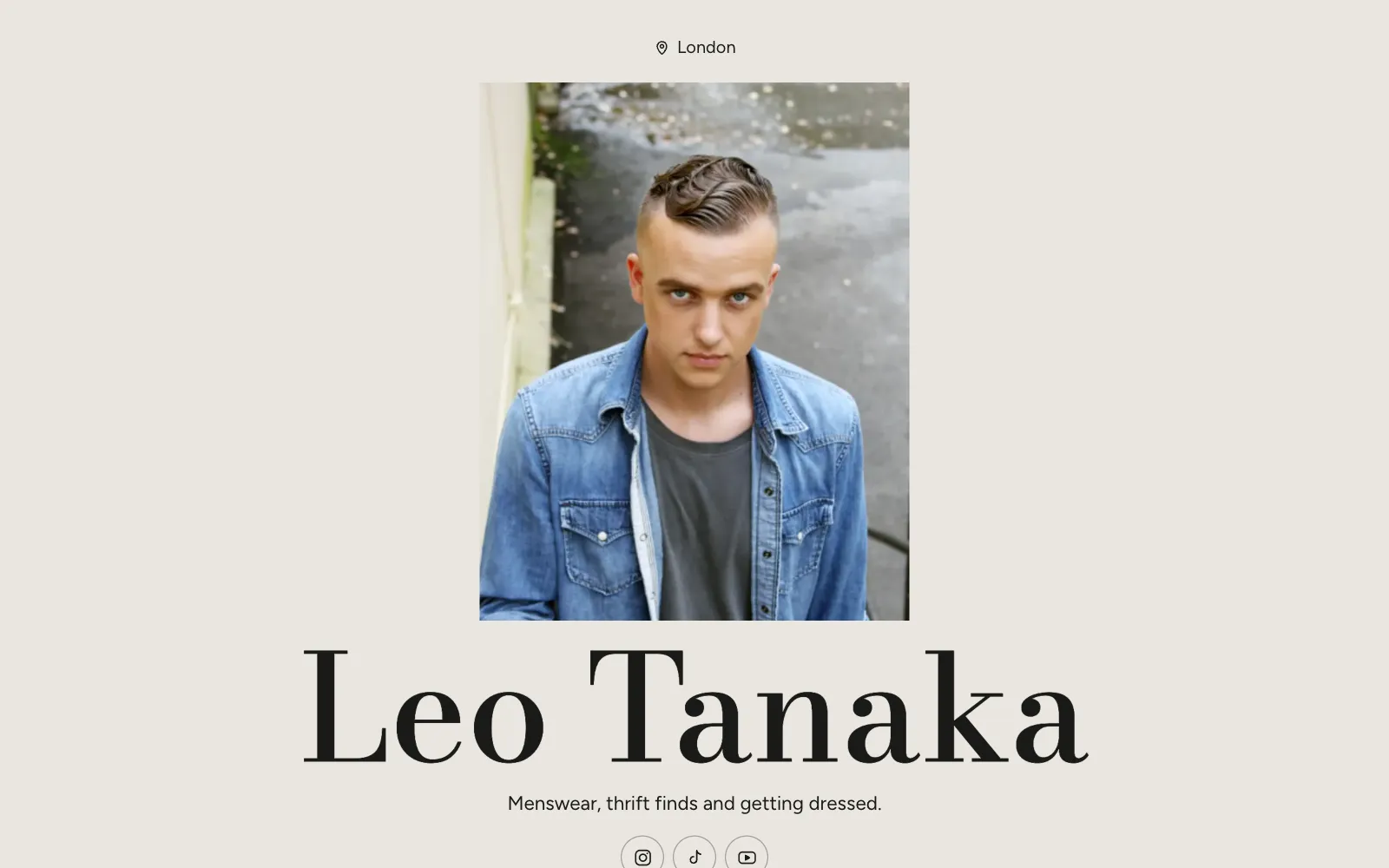
- Your best work is three taps away. A model, stylist or photographer is hired on pictures, and a button that says “Portfolio” is not a portfolio.
- Brands want a media kit. Followers, audience and past collaborations, in one place they can forward.
- You want to be found by name. A list of buttons rarely ranks on Google. We explain why in personal website vs link in bio.
The main Linktree alternatives, by what they are good at
The tools below are not all trying to do the same thing, which is the point. Details are as described on each official site at the time of writing (October 2026); plans change, so check before you commit.
Beacons: link in bio plus creator business tools
Beacons bundles a link in bio page with a store, a media kit and email marketing. Its free plan includes the store and media kit, with a fee taken on sales and a monthly cap on emails; paid plans raise those limits. It suits creators who want selling, brand deals and a mailing list under one login.
Stan Store: a storefront for selling from your bio
Stan Store is built around checkout: digital products, courses, calendar bookings and memberships, sold straight from the link in your bio. There is no free plan, but there is a 14-day free trial. It is a good fit if most of your income comes from selling your own products or paid sessions, and less of one if you mainly need to show work.
Carrd: simple one-page websites you design yourself
Carrd makes single-page sites from templates. You can publish a few sites free, and inexpensive yearly Pro plans add your own domain and forms. It gives you a lot of layout freedom, which is great if you enjoy designing and a slower start if you do not.
Squarespace and Wix: full websites
If you need many pages, a blog, a full online shop or detailed design control, a full website builder is the honest answer. Expect to spend more time setting it up and a higher monthly cost than a link page.
UniPage: a designed one-page site, written for you
UniPage sits between a link list and a full website. You say what you do and a first draft of your page is written for you, with sections for your kind of work: a gallery, links, events, stats, reviews, cards for services, and a booking form whose inquiries land in an inbox and your email. You then change it by typing requests to the AI Editor, or by hand, all on your phone.
What it does not do: it does not take payments or run a checkout on the page, it has no calendar scheduling and no email marketing. Cards and links point to wherever you already sell. If checkout is the core of your business, Stan Store or Beacons fit better.
Linktree alternatives compared
| Best at | Free option | Less suited to | |
|---|---|---|---|
| Linktree | A fast list of links | Free plan | Showing your work on the page |
| Beacons | Store, media kit and email in one place | Free plan with limits and sales fees | A minimal, design-led page |
| Stan Store | Selling products, courses and sessions | 14-day trial | Portfolios and galleries |
| Carrd | One-page sites you design yourself | Free tier | People who want it done for them |
| Squarespace, Wix | Full multi-page websites | Varies | A quick page built on your phone |
| UniPage | A designed one-page site with gallery, links and booking form | Build free, live free for 7 days | Checkout, scheduling, email marketing |
How to choose the right one
Start with what your visitors should do, not with the tool. Then match:
- They should click through to somewhere else. Stay on Linktree or any simple link list.
- They should buy a download, course or paid call. Pick a tool with checkout built in, such as Stan Store or Beacons.
- They should see your work and contact you. Pick a one-page site with a gallery and an inquiry form: UniPage, or Carrd if you want to design it yourself.
- They should browse many pages, read a blog, shop a catalogue. Use a full website builder.
Then check the practical details:
- Can you edit it comfortably on your phone, where you will actually do it?
- Can you use your own domain, and on which plan?
- Do the analytics tell you where visitors come from?
- What does it cost after any trial ends, per year, not per month?
- Can you move your content out if you change your mind?
Making the switch without losing clicks
Moving from Linktree is mostly about not breaking what already works.
- Build the new page fully before you touch your bio.
- Copy your current links over first, in the same order, then improve.
- Swap the link in every profile on the same day, not just Instagram.
- Keep the old page up for a while, pointing to the new one.
- Tell your audience in a story, so the new address looks familiar.
If you are rethinking what goes on the page as well, our list of link in bio ideas by kind of work is a good next step. And if you would like to see a finished example first, browse the UniPage templates or the page made for creators.
Questions
- Is there a free Linktree alternative?
- Several tools have a free tier, including Beacons and Carrd, and Linktree itself has a free plan. UniPage lets you build free with no sign-up and keeps your page live free for 7 days with no card, then plans start at $4 a month.
- What is the best Linktree alternative for selling digital products?
- Tools built around a checkout, such as Stan Store or Beacons, are made for selling courses, downloads and paid sessions. UniPage does not take payments on the page; its Cards section links each product or service to wherever you already sell it.
- Can a Linktree alternative help me show up on Google?
- A page with your name, your work, your city and real text has a better chance of ranking for your name than a list of buttons. Whichever tool you use, write a few real sentences about what you do.
- Can I use my own domain instead of a Linktree link?
- Most tools offer this on a paid plan. On UniPage every page gets a free yourname.unipage.me address, and your own domain comes with the Pro and Business plans.
Make your page with AI, in about a minute.
No sign-up to start. Live free for 7 days, no card. See pages for creators.
Make your page