Personal website vs link in bio: which one your work needs
Personal website vs link in bio: when each makes sense, what they cost in money and effort, how they differ on Google, and a checklist to decide in minutes.
· 5 min read
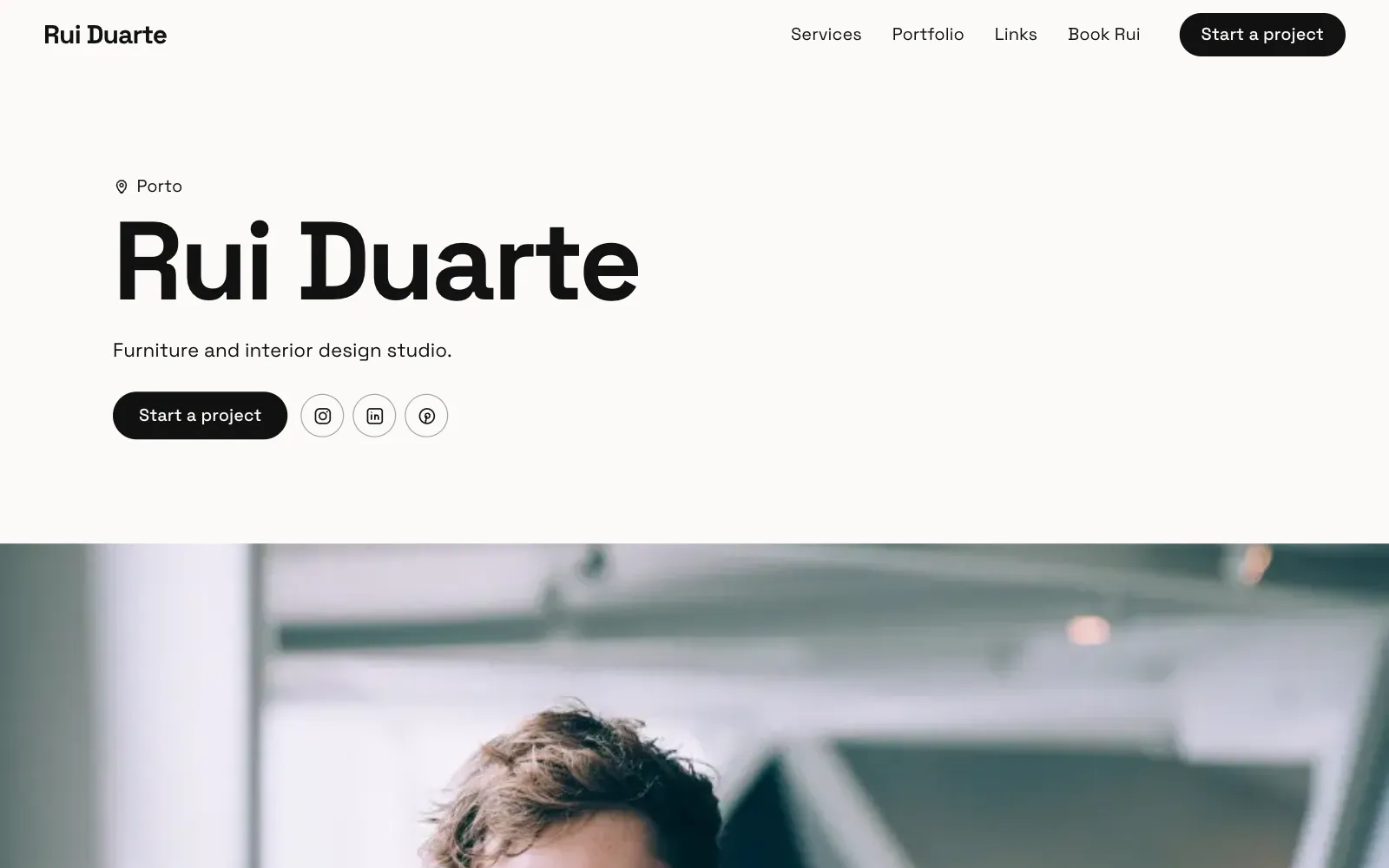
The personal website vs link in bio question used to be easy: a website was a project, a link in bio was five minutes. That gap has narrowed. A one-page website can now be built on your phone, and link pages have grown more features. The real difference today is what each does for the people who visit, and for whether you can be found.
This guide sets out when each makes sense, what they cost in money and effort, how differently Google treats them, and ends with a short checklist you can run through in a few minutes.
What each one actually is
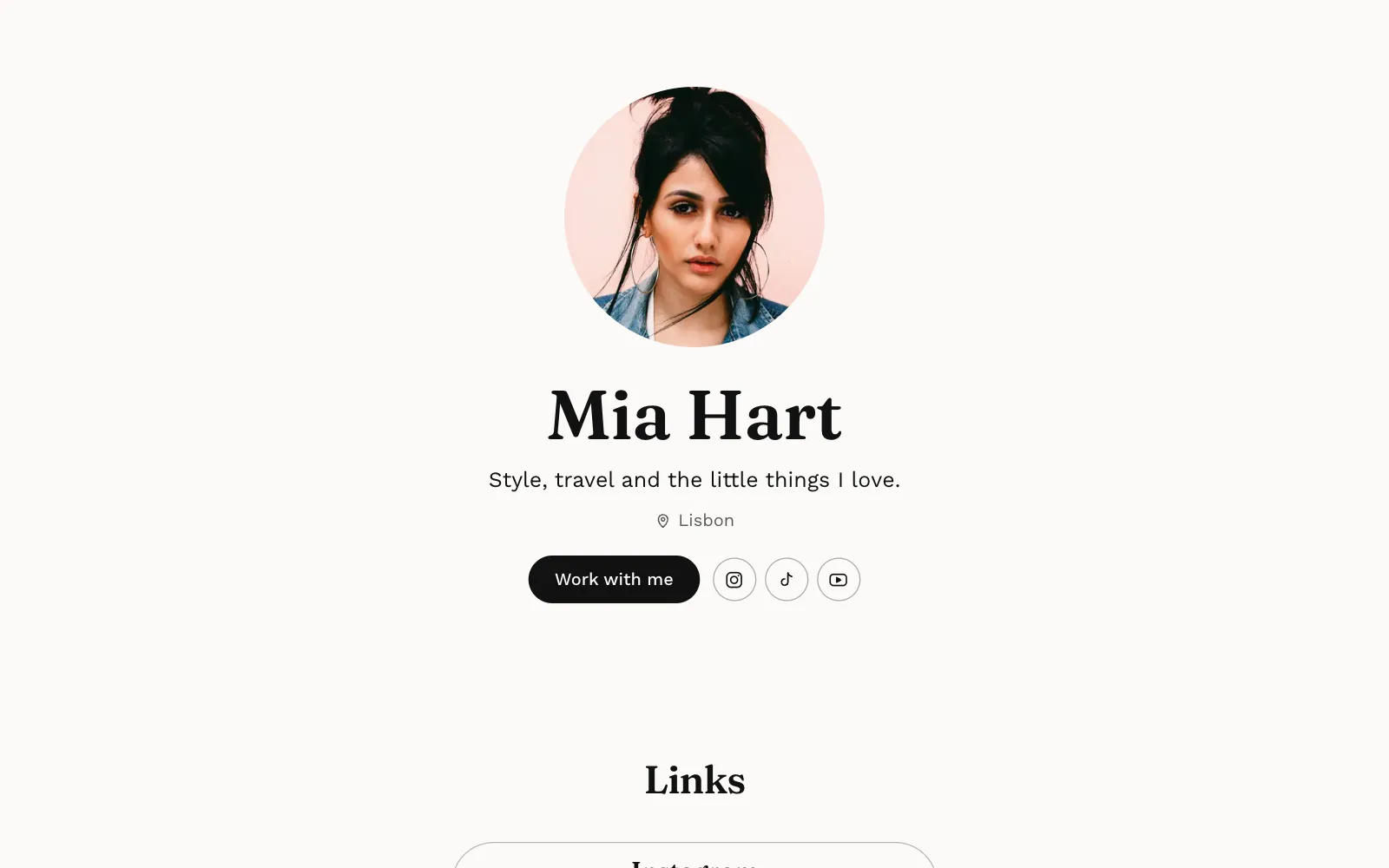
A link in bio is a page of buttons that sends people to other places: your shop, your latest video, your podcast, your email. It is a signpost. The value is somewhere else.
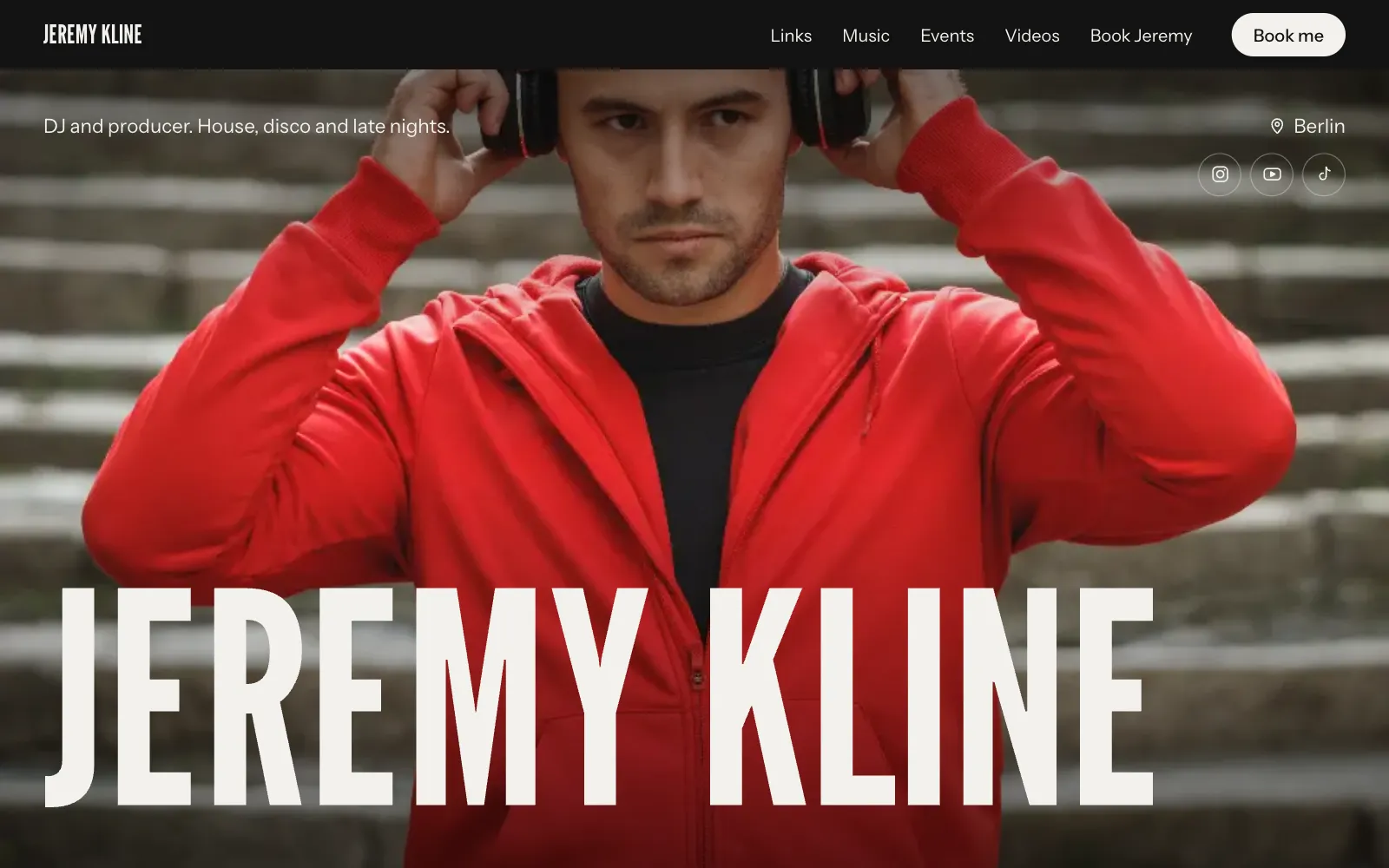
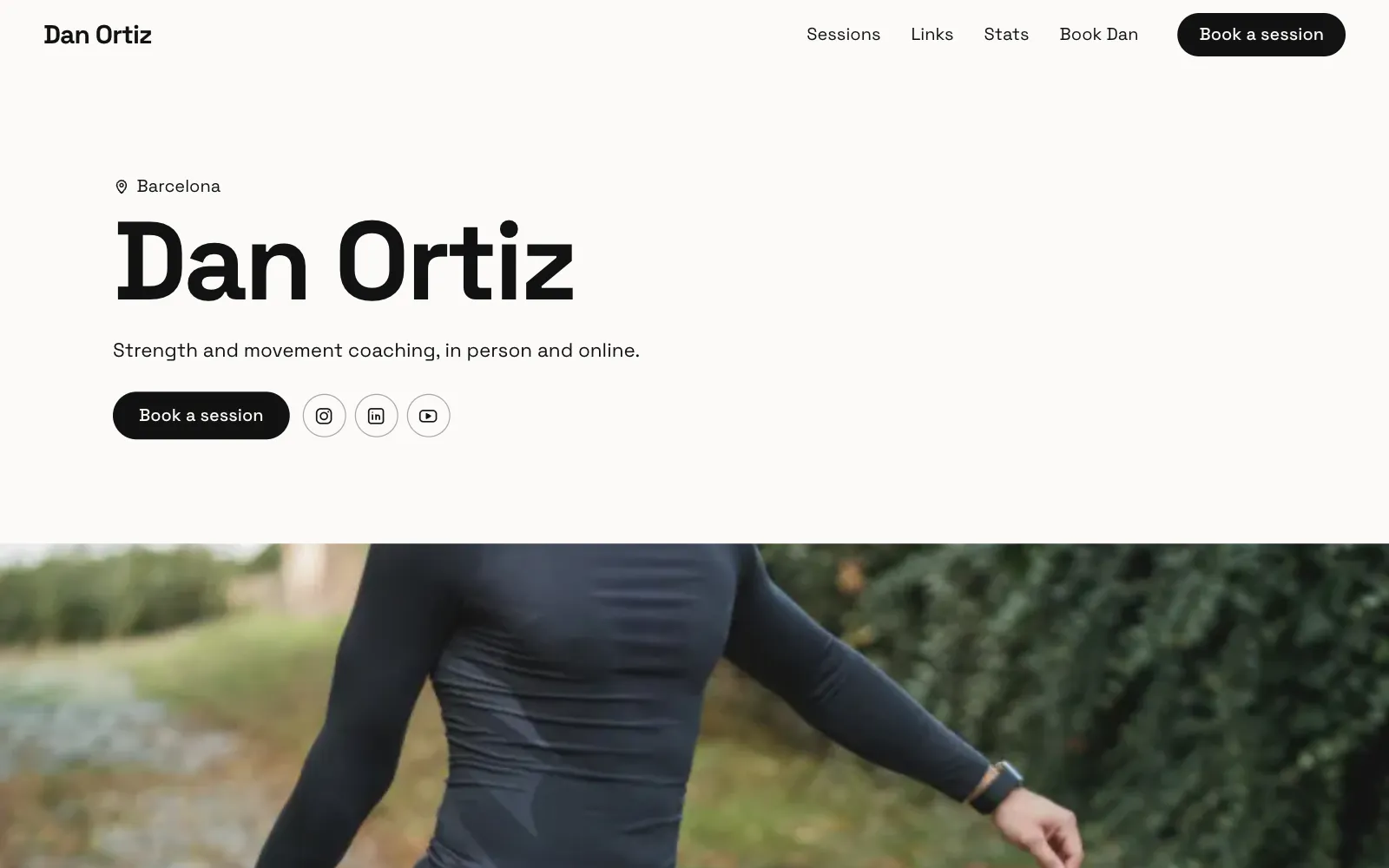
A personal website is a page, or a few pages, where the value is on the page itself: your work, who you are, what you offer, and how to hire you. It can be as small as one page and still be a website, because people can decide about you without leaving.
For designers, illustrators, photographers and other visual professionals, that distinction is the whole question. Clients hire you on what they see.
When a link in bio is enough
- Your work already has a home, like a shop, a channel or a podcast.
- You mostly need followers to reach two or three places.
- You change what you are promoting every week.
- Nobody finds you by searching your name, and that is fine for now.
In those cases a list of links is the honest, low-effort choice. If you are weighing which tool to use, see our comparison of Linktree alternatives.
When a personal website makes more sense
- Clients need to see a portfolio before they get in touch.
- You sell a service: projects, commissions, shoots, sessions.
- You want inquiries with details, not “hey, how much?” in your DMs.
- You want to be found when someone searches your name or “designer in your city”.
- You send your link to clients by email, where a list of buttons looks unfinished.
Personal website vs link in bio: costs and effort
Both can be cheap. The bigger difference is time: a full multi-page site can take days to set up, while a link list takes minutes. A one-page site sits in between.
| Link in bio | One-page website | Full website | |
|---|---|---|---|
| Time to set up | Minutes | Minutes to an hour | Days |
| Upkeep | Swap links | Add new work now and then | Regular updates across pages |
| Shows your work | Through other sites | On the page | On the page, in depth |
| Chance to rank for your name | Low | Good, with real text | Good |
| Own domain | Often a paid extra | Usually on a paid plan | Usually included or expected |
Also count the hidden cost of a link list: each extra tap to a portfolio on another site loses some visitors, and every inquiry that arrives without a date or budget costs you a round of messages.
SEO: why a link list rarely ranks for your name
Search engines rank pages they can understand. A link in bio page usually holds a name, a photo and a handful of button labels like “Shop” or “Latest video”. There is very little there to tell Google who you are, what you do or where, so it seldom shows up when someone searches for you.
A personal website can give search engines what they need:
- Your name in the page title and main heading.
- What you do, in plain words: “brand and packaging designer”.
- Where you work, such as your city, if clients hire locally.
- Real text about your work, services and past clients.
- Image descriptions, so your work is understood, not just seen.
- Your own domain, which is easy to remember and share.
None of this guarantees a ranking, and nobody can promise one. But a page with your name, work and city has a real chance, and a list of buttons has very little.
Can one page do both jobs
Often, yes. A one-page site can sit in your bio and still be a proper website: work and story at the top, a few links further down, and a form for inquiries. You get the convenience of one link and the substance of a page.
That is how UniPage is built. You describe what you do, a first draft is written for you, and you refine it by typing to the AI Editor or editing by hand. A designer might use a gallery filtered by category (branding, packaging, web), a short profile, cards for services with a starting price, a Links section for socials and a booking form. Templates change the whole look at once while your content stays. Every page gets a free yourname.unipage.me address, and your own domain comes with Pro and Business.
It is not the right tool for everything: there is no checkout, no calendar scheduling and no custom code, so a designer selling a large catalogue or needing a bespoke site will want a full website builder.
What to put on a one-page website
- Your name and what you do, in the first line people see.
- Eight to twenty pieces of your best, most recent work.
- A short profile: how you work, who you have worked with, where you are.
- Your services, with a starting price if you are comfortable sharing one.
- One clear way to get in touch, ideally a form that asks for budget and timing.
That is enough for a client to decide, and enough text for a search engine to understand who the page is about.
A decision checklist
Answer yes or no to each:
- Do clients need to see your work before contacting you?
- Do you sell a service rather than products on another platform?
- Would you like to be found by people searching your name or field?
- Do you send your link to clients outside social media?
- Do the same questions about rates or availability keep arriving?
- Is your work currently spread across several sites?
Mostly no: a link in bio will serve you well. Two or three yes: a one-page website will likely pay off. Four or more: you need a page, and the sooner it carries your name and work, the sooner it can start being found.
For examples made for visual work, see the page for designers or browse the templates.
Questions
- Do I need a website if I have a link in bio?
- Not always. If your work lives on other platforms and people only need to reach them, a link in bio is enough. If clients need to see your work, understand what you offer and contact you, a personal website does that better.
- Is a link in bio page good for SEO?
- Usually not on its own. A list of buttons has little text for search engines to understand, so it rarely ranks for your name, while a page with your name, work and city can.
- Can a personal website be my link in bio?
- Yes. A one-page website works well as the link on your profiles, as long as it loads quickly on a phone and the main action is visible straight away.
- How much does a personal website cost?
- It ranges from free tools to full website builders with monthly plans and a domain. On UniPage, building is free, your page is live free for 7 days with no card, and plans start at $4 a month, with your own domain on Pro.
Make your page with AI, in about a minute.
No sign-up to start. Live free for 7 days, no card. See pages for designers.
Make your page