 UniPage
Selected work, well set.
Show the projects you are proudest of, what you offer and how to start working together, in type and layout as considered as your work.
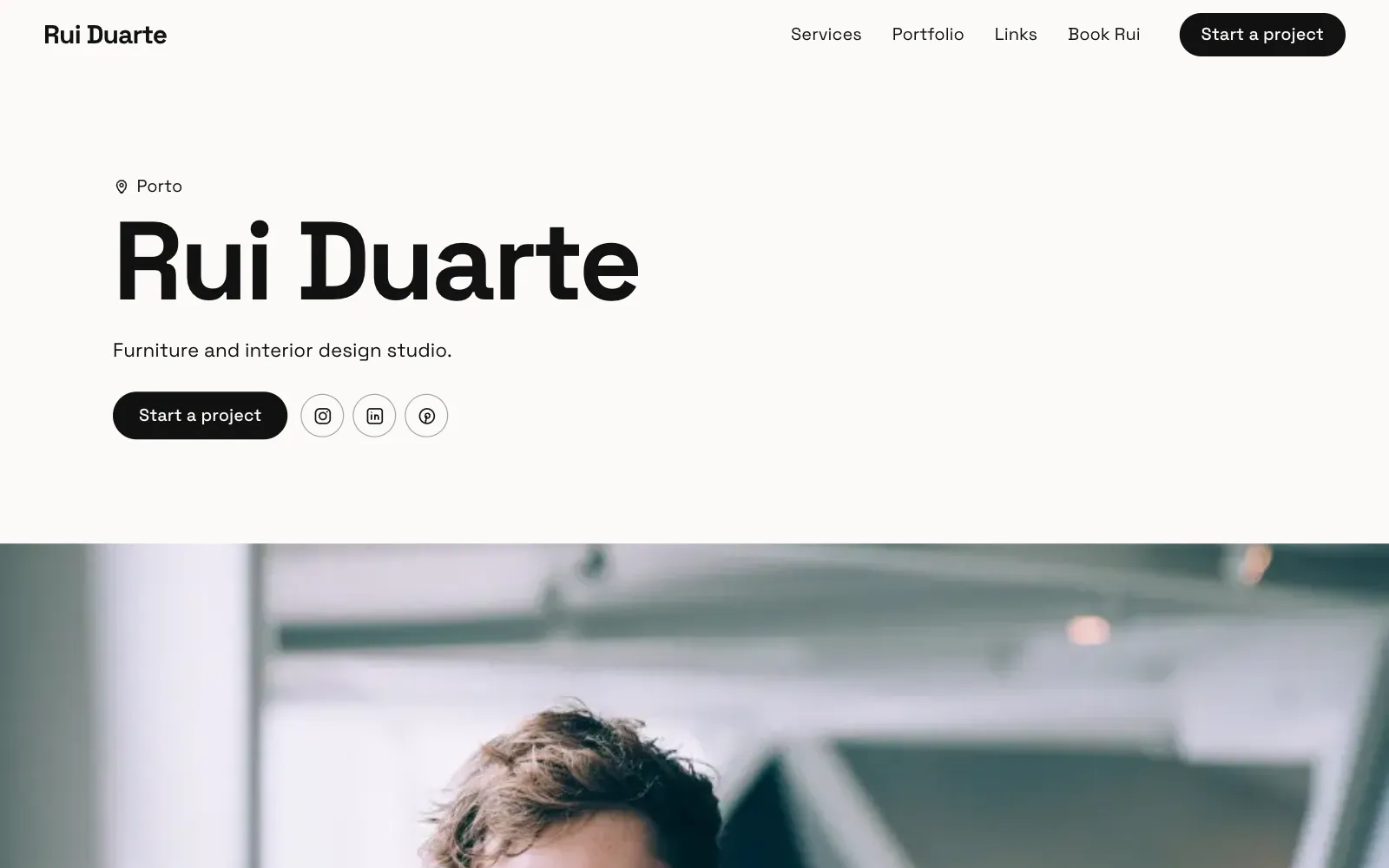
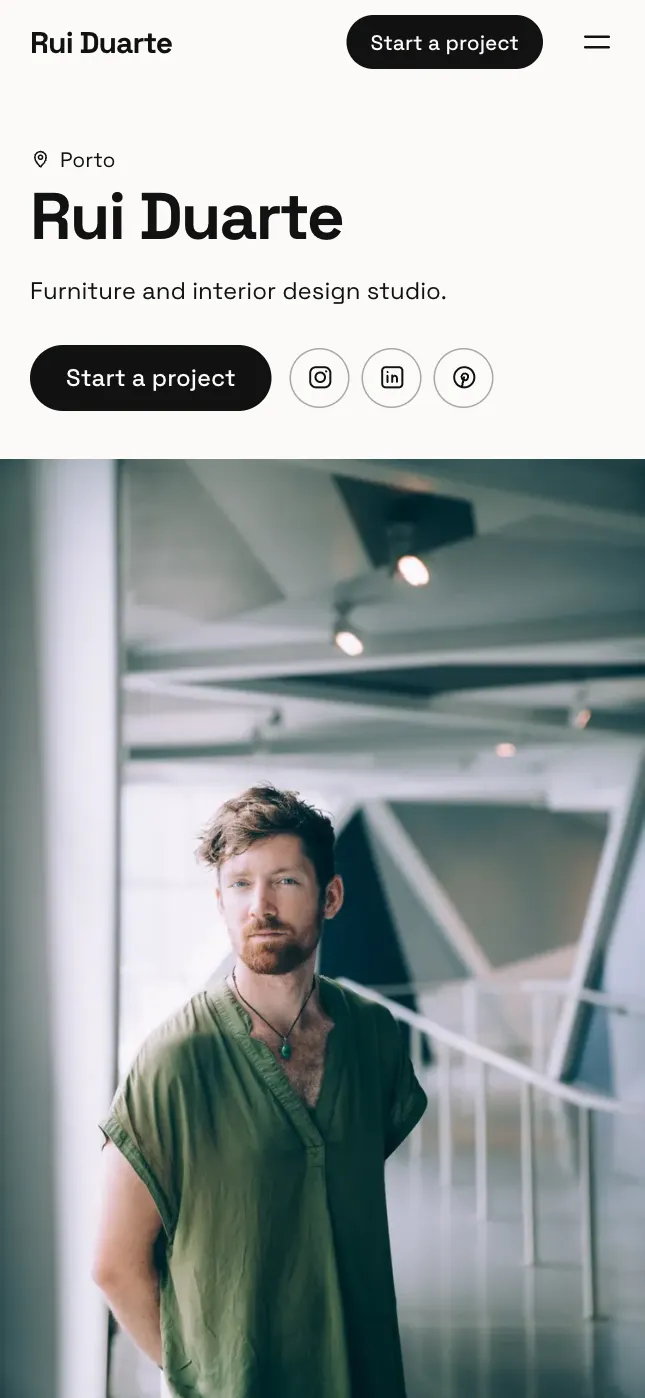
Four looks for designers.
Each is a template set up for your kind of work. Pick one to start, then switch, or change the colours and fonts, whenever you like.
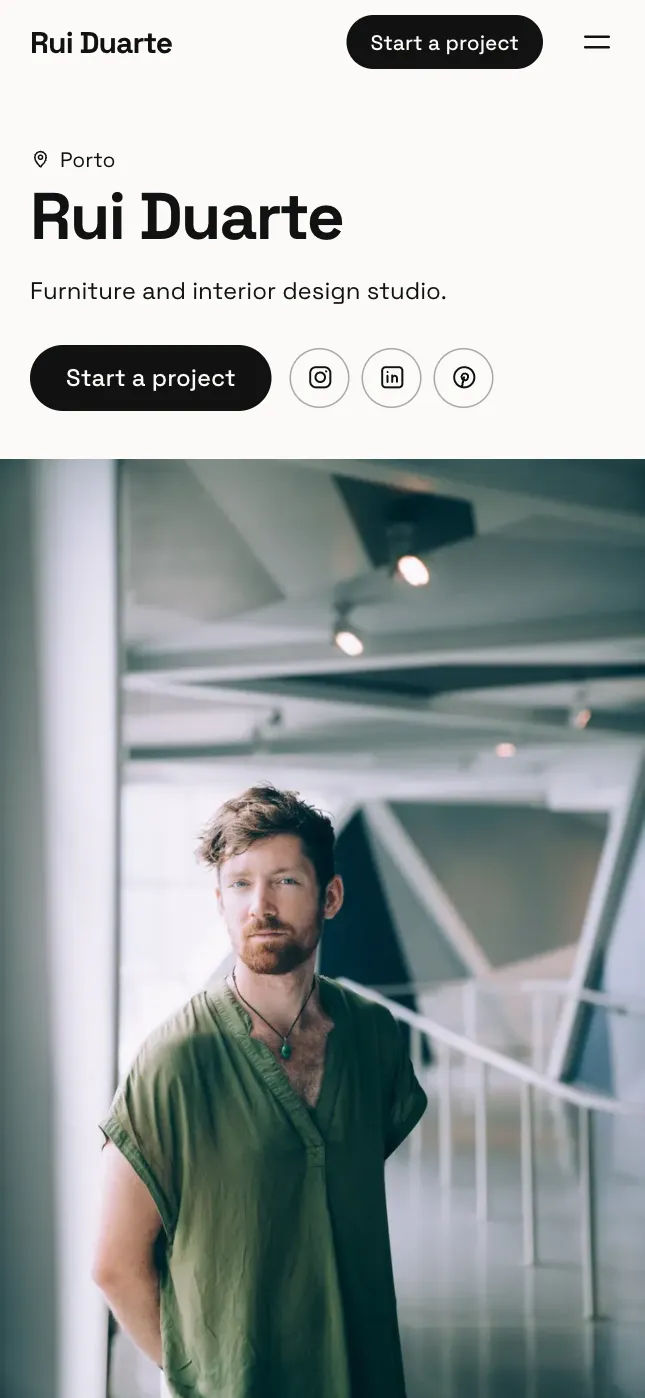
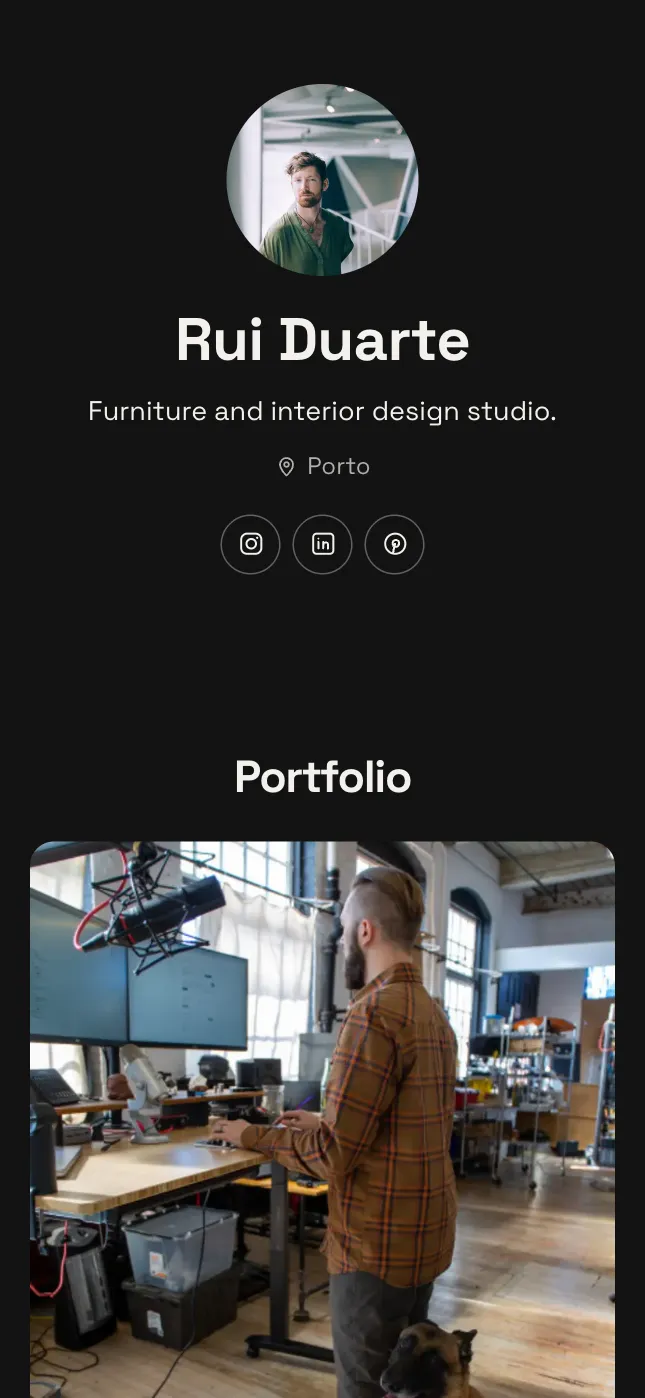
Statement
On the Storefront template
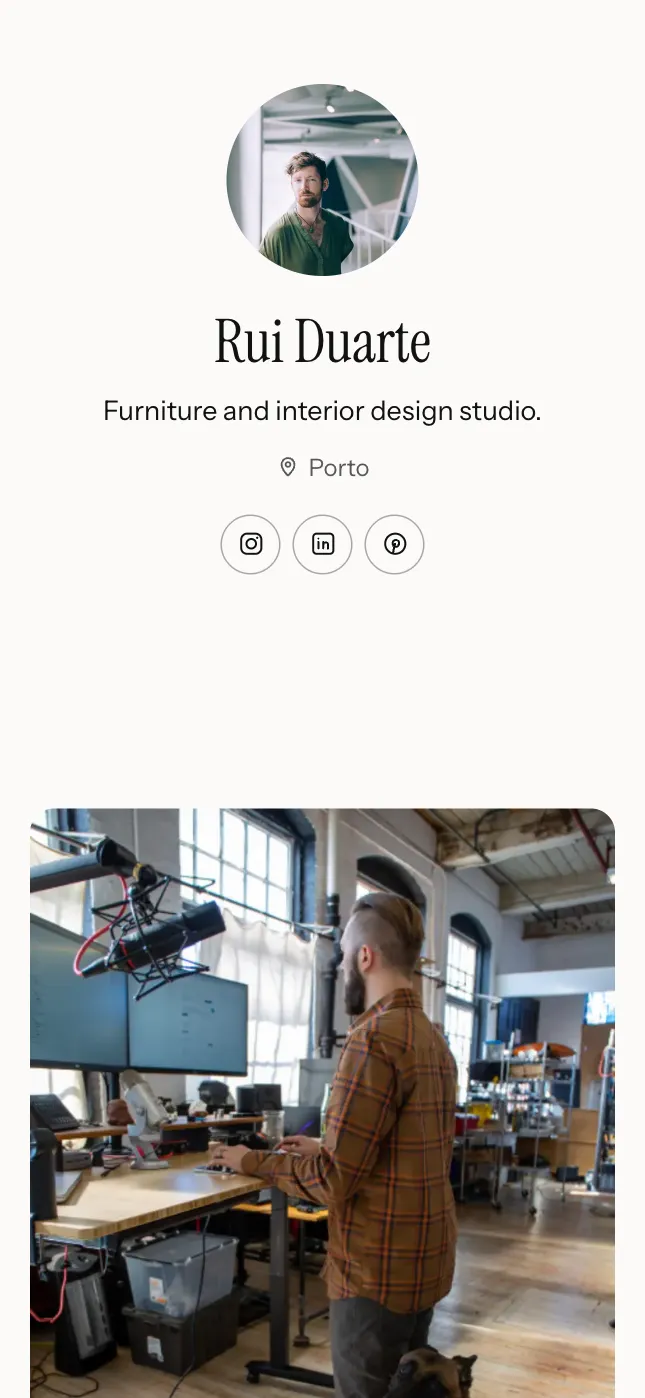
Studio
On the Atelier template

Split
On the Cover template
Index
On the Gallery template
Or just type what to change.
Open the AI Editor and say it in your own words, in any language. It changes your page for you: the words, the layout, the colours, whole sections. Shown here with things designers ask for.
Knows where you are
It works on the section you’re looking at, so “make this shorter” means this.
Does the fiddly parts
Sorts photos into categories, writes their descriptions, adds a product from its shop link.
One tap to undo
Every change it makes can be taken back at once, or changed by hand afterwards.
Every plan includes it: from 20 AI edits a day. You can also describe yourself at the start and get a first draft written for you.
See what you can askWhat a page for designers holds.
It starts with these sections, already laid out. Add, move or remove any of them, and change every word.
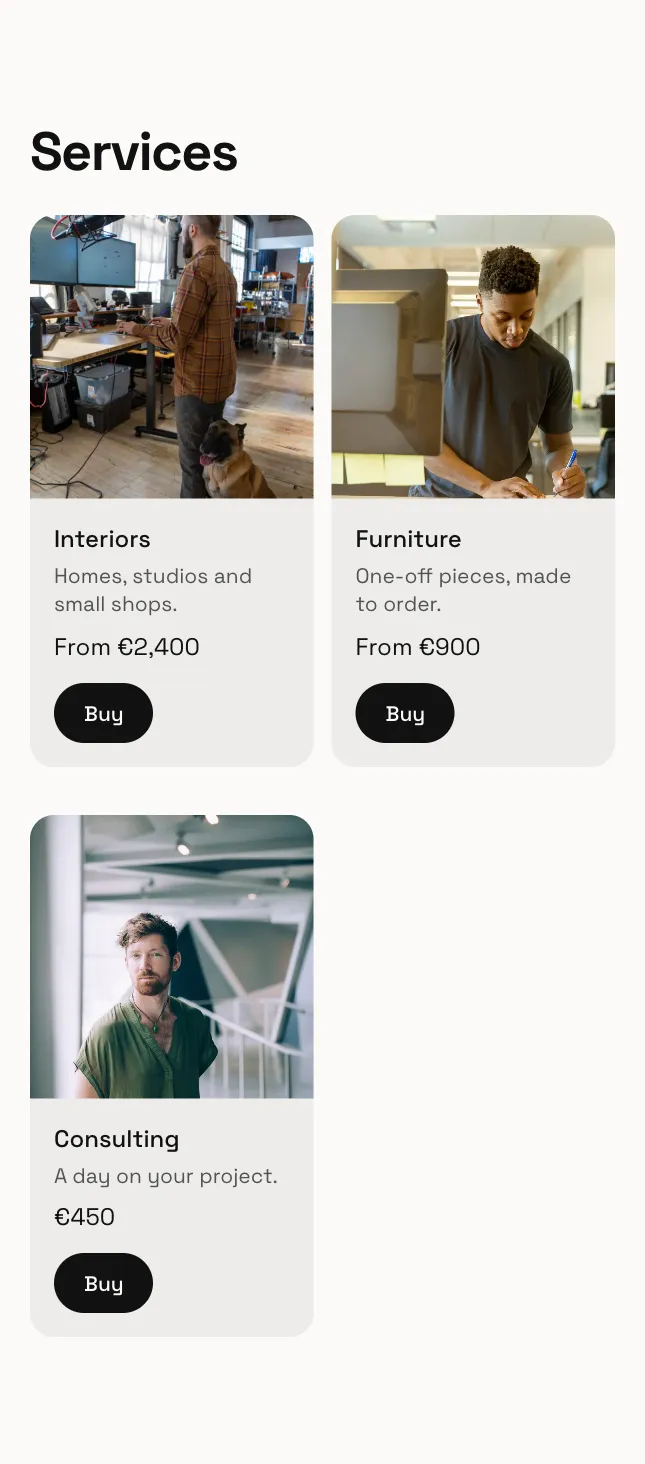
Services
What you do and what it costs, from a day of consulting to a whole project.
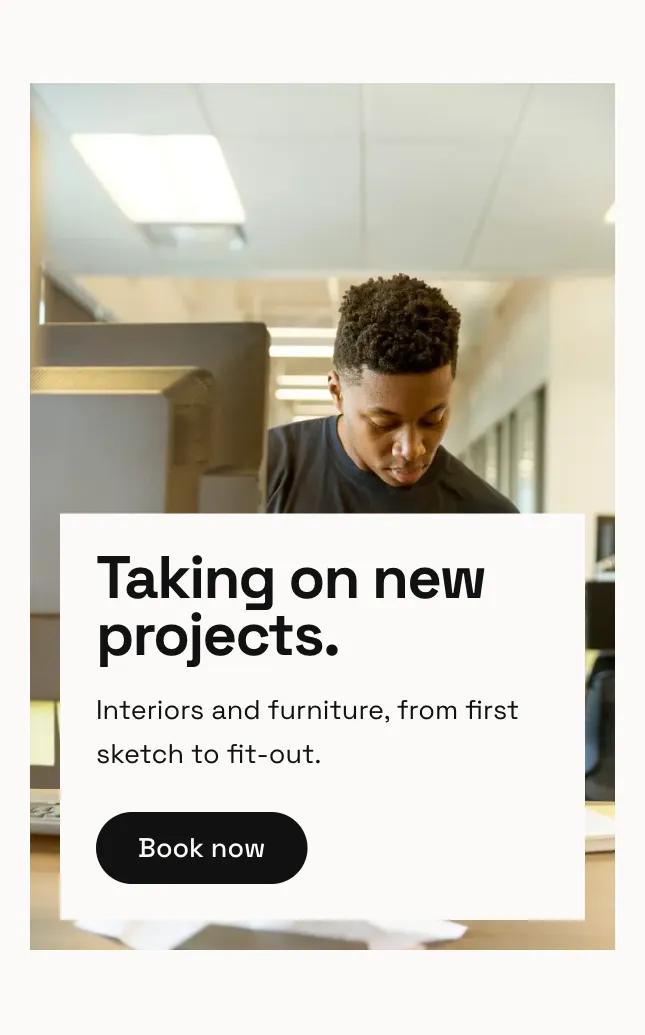
Your headline
A big photo with a line and a button, for what you are taking on next.
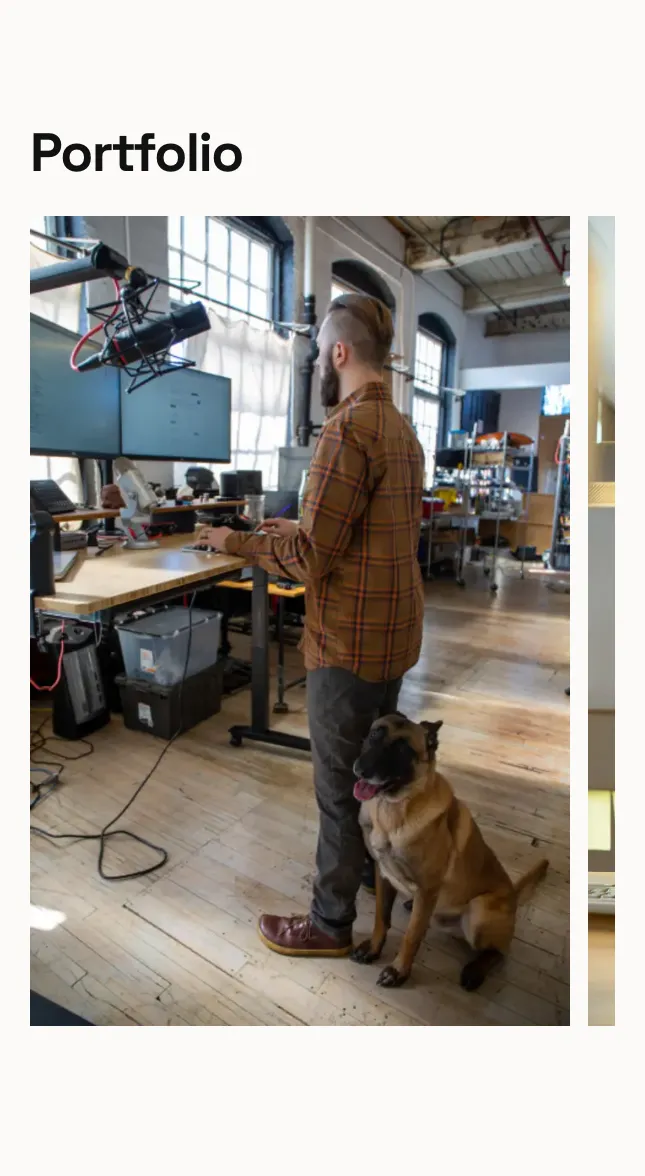
Selected work
Projects in a grid or one tall column, with categories to filter by.
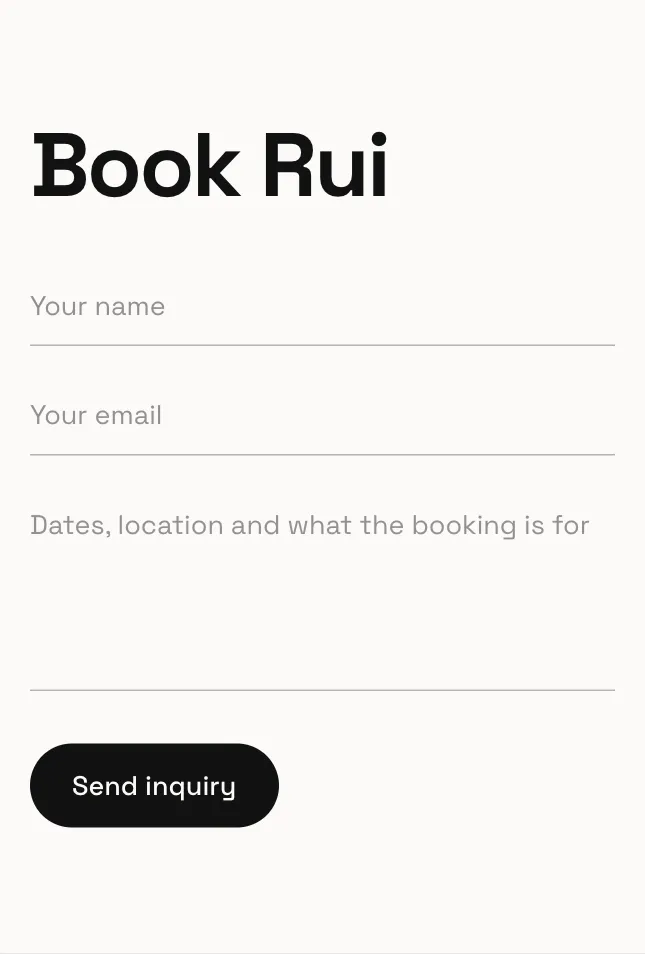
Start a project
A short form for a new brief, sent straight to your inbox.
And more
Twenty kinds of section in all, each with layouts of its own. These suit designers too.
- Links
- Clients and credits
- About you
- Videos
- Facts and numbers
Live in about a minute.
- 1
Add your photos
One is enough to start. Each is placed for you, and you choose which part stays in view.
- 2
Pick a look
Statement, Studio, Split or Index: four looks made for designers, in colours you can change.
- 3
Claim your address
Publish at yourname.unipage.me and put the link in your bio.
Questions.
- Can I use my own fonts and colours?
- Choose from typeface pairings and palettes made to work together, and change spacing and layout for every section.
- Can a studio use it, not just one person?
- Yes. Use the studio's name, and show the team, the work and the services the same way.
- Can I use my own domain?
- Every page gets yourname.unipage.me. Your own domain comes with Pro and Business.
- Can AI make the changes for me?
- Yes. Open the AI Editor and type what you want, like a new section, a shorter line or different colours. It changes your page, and every change can be undone. Every plan includes it, from 20 AI edits a day.
- What does UniPage cost?
- Building is free, and your page goes live free for 7 days with no card. To keep it live, Starter is $4 a month, Pro $9 and Business $19. Every page gets its own address at unipage.me.
Guides for designers.
Your page is a minute away.
Make your pageAlso for models, DJs and musicians, creators, influencers, stylists and fashion creators, photographers, coaches and trainers and travel agents and tour guides.