 UniPage
Your page, as a reel.
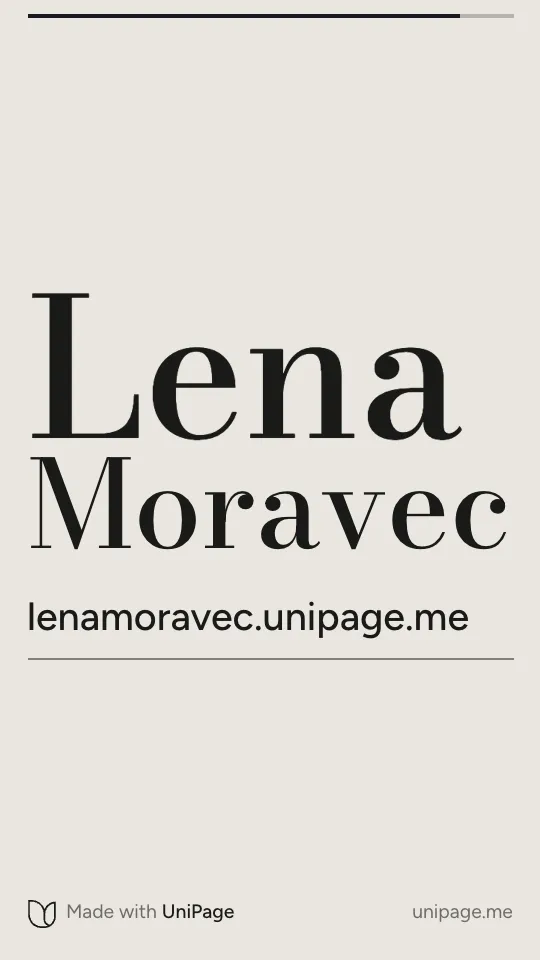
Every page comes with one: 18 seconds of your photos, your name and your numbers in motion, ready for Instagram and TikTok, ending on your address.
Every style works on every page, and each ends on your address. To share one today, play it full screen and record your screen; saving it as a video is on the way.
What you get.
Nothing to film or edit
It is made from what is already on your page: your photos, your name, your numbers, your dates and what you offer.
In your fonts and colours
It looks like your page, because it is drawn from the same choices. Change the colours and the reel follows.
Shaped for stories
Tall, 9 by 16, for Instagram and TikTok stories and reels. On a computer it can play wide too.
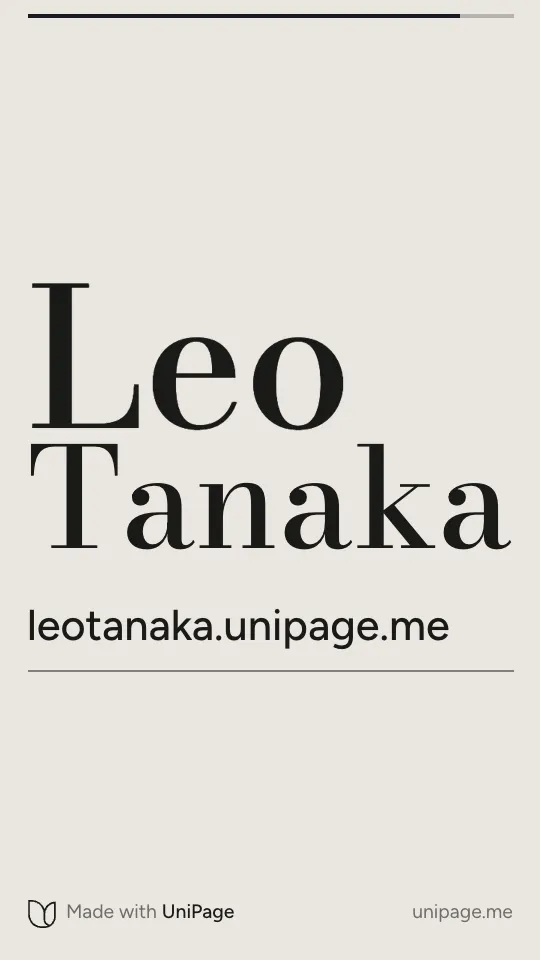
Ends on your address
The last five seconds hold your name and your address, large enough to read and type from a story.
Always up to date
Add a date, change a price or a photo, and the reel changes with your page. There is nothing to export again.
Five styles
Each was made with one kind of work in mind, and every one works on every page. Switch whenever you like.
Five styles, one page each.
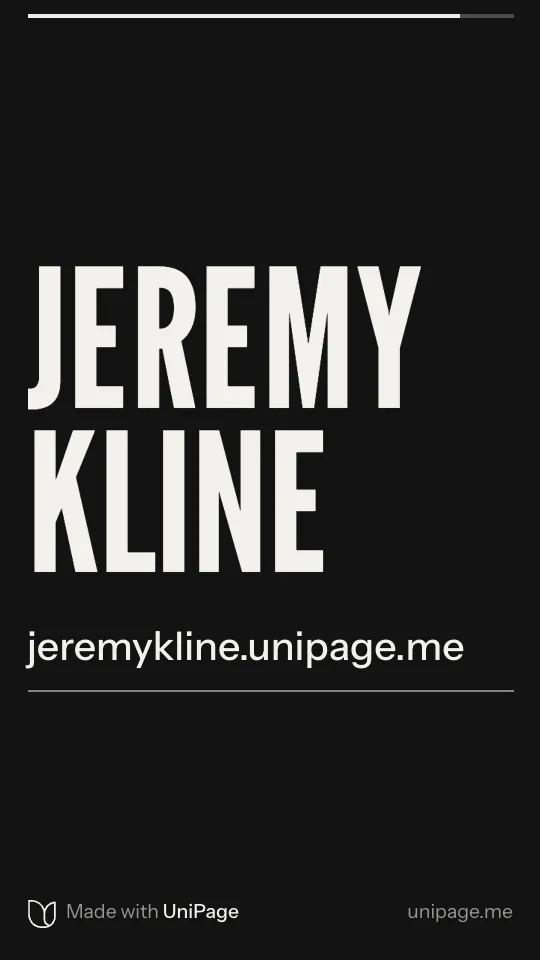
Moments from each style, played on the example page it was made for. The last frame is where every reel ends.
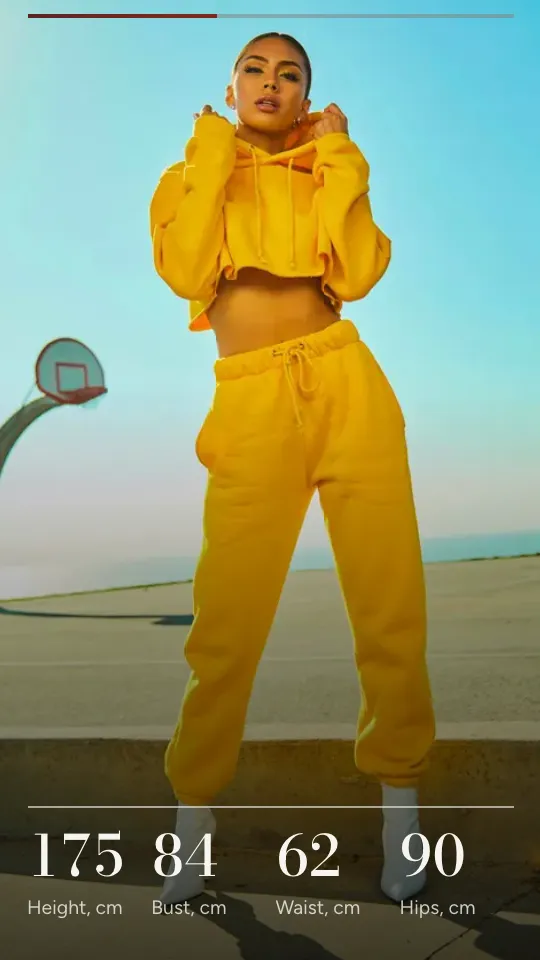
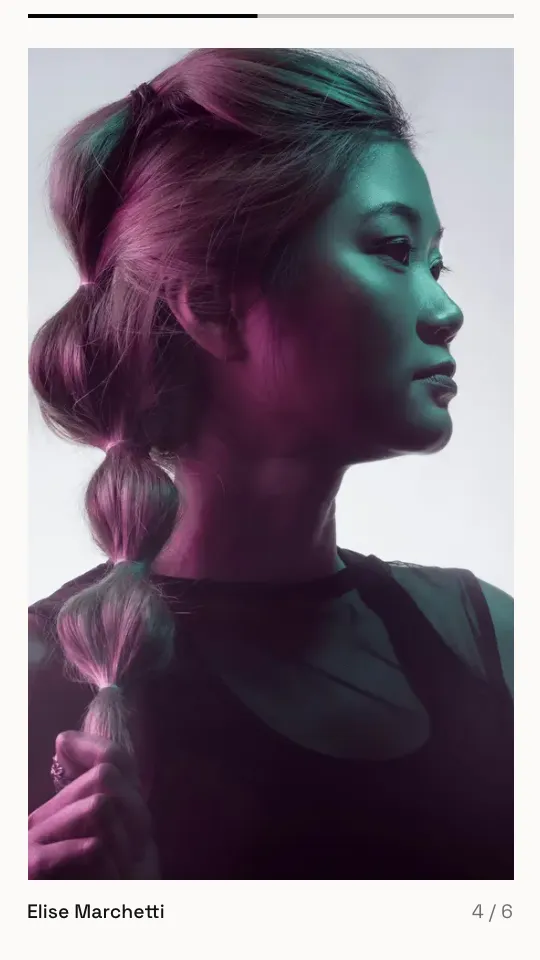
Atlas
A slow cover reveal, your numbers along the foot, your gallery in drifting columns.
Shown on a model’s page. Pages for models


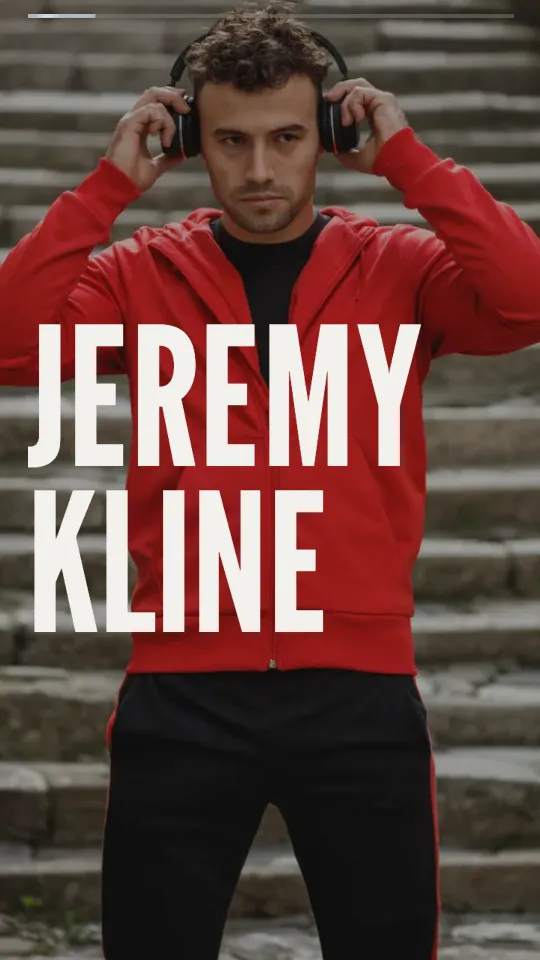
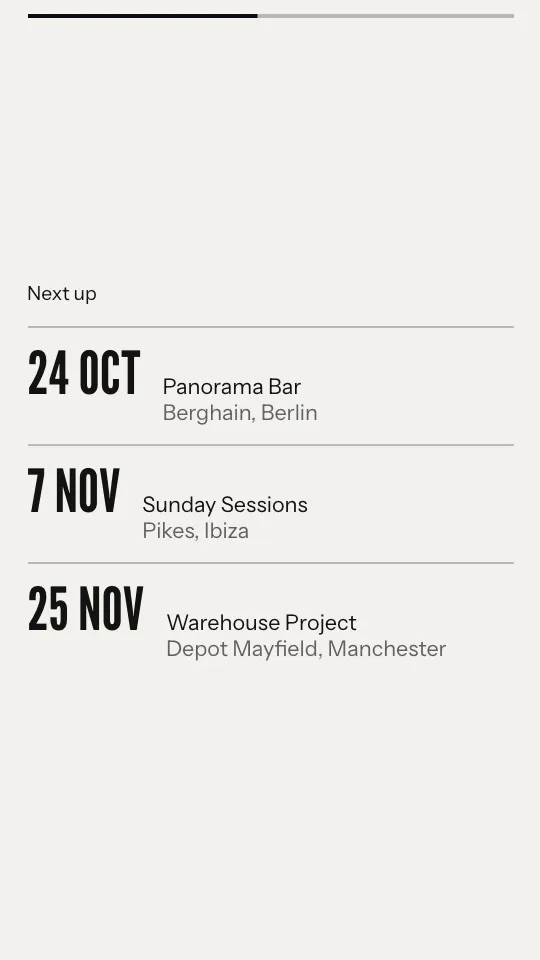
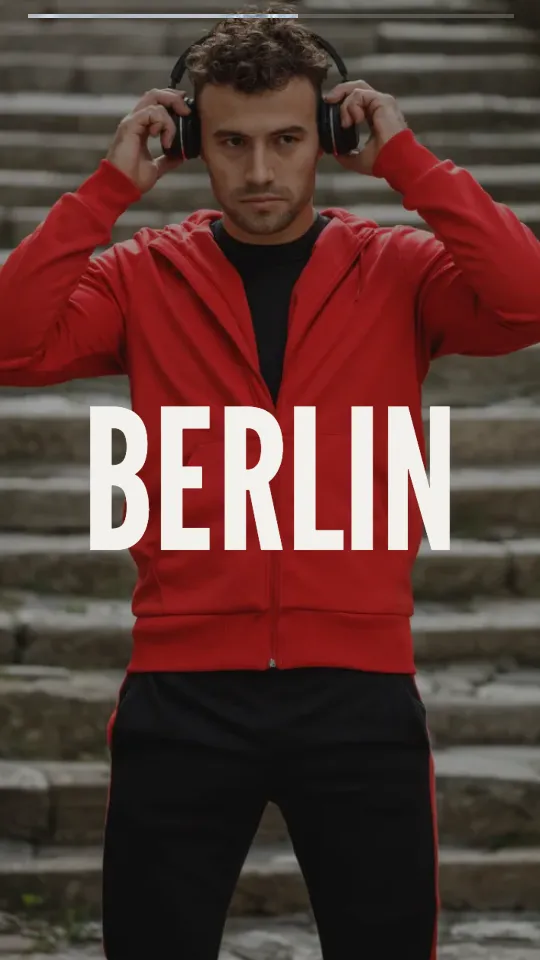
Pulse
Hard cuts on a beat, your name across them, your next dates.
Shown on a DJ’s page. Pages for DJs and musicians
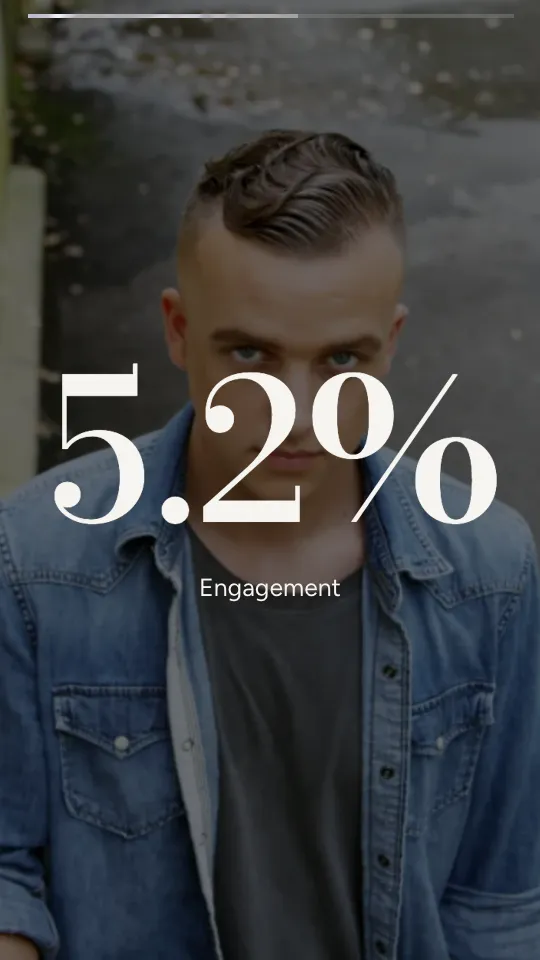
Tally
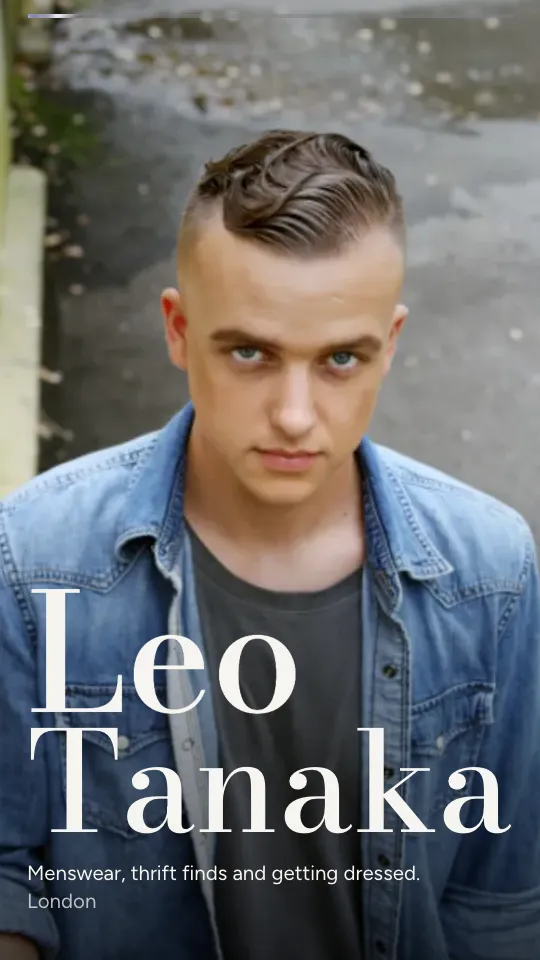
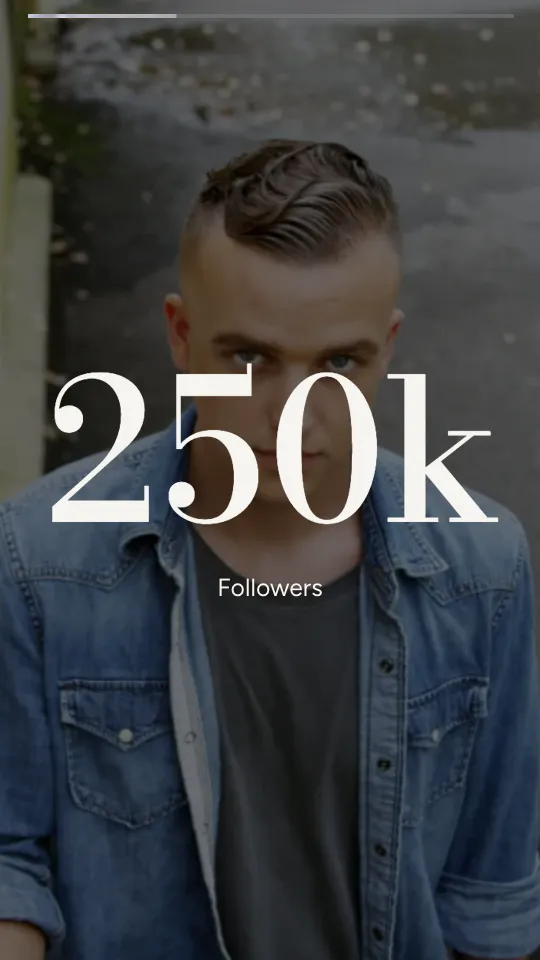
Your numbers one at a time, counted up over your photos.
Shown on an influencer’s page. Pages for influencers
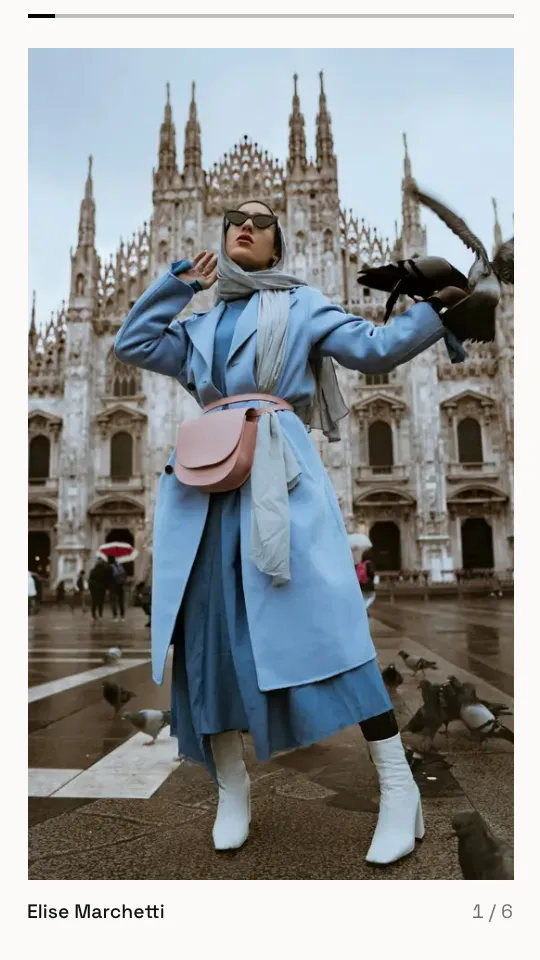
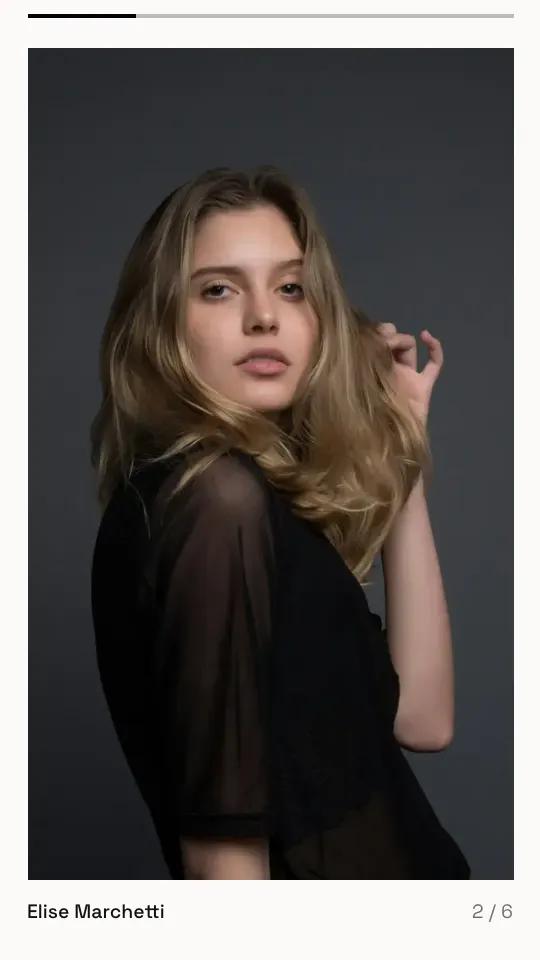
Frame
Your photos one after another, with almost no words.
Shown on a photographer’s page. Pages for photographers

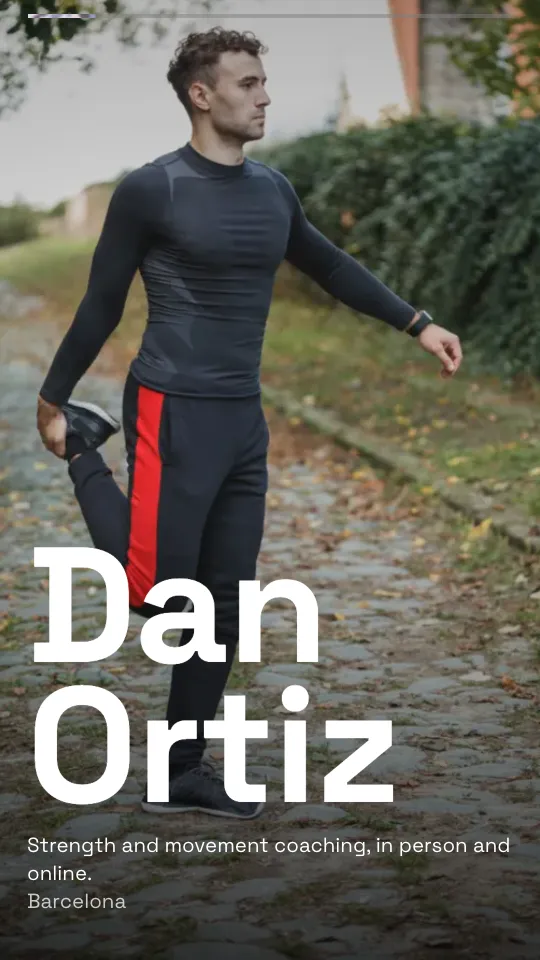
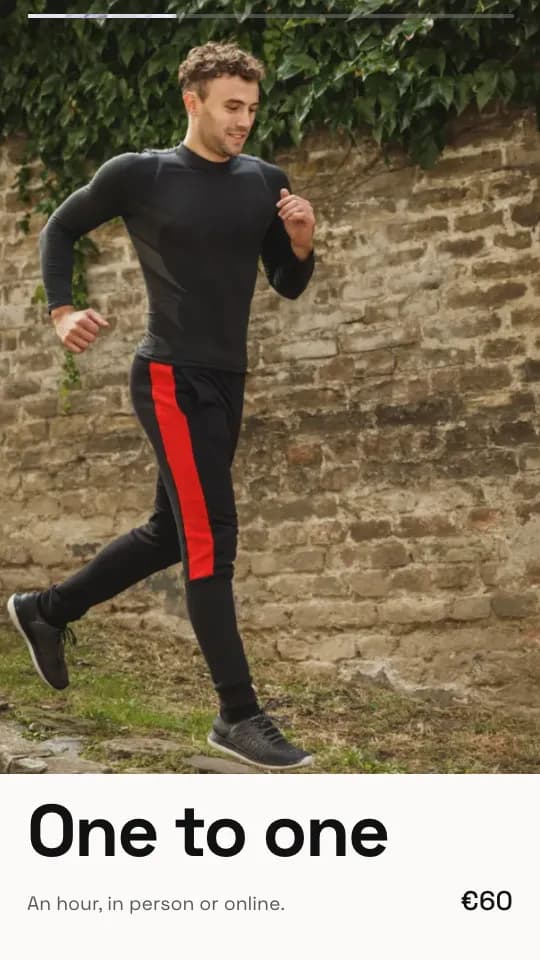
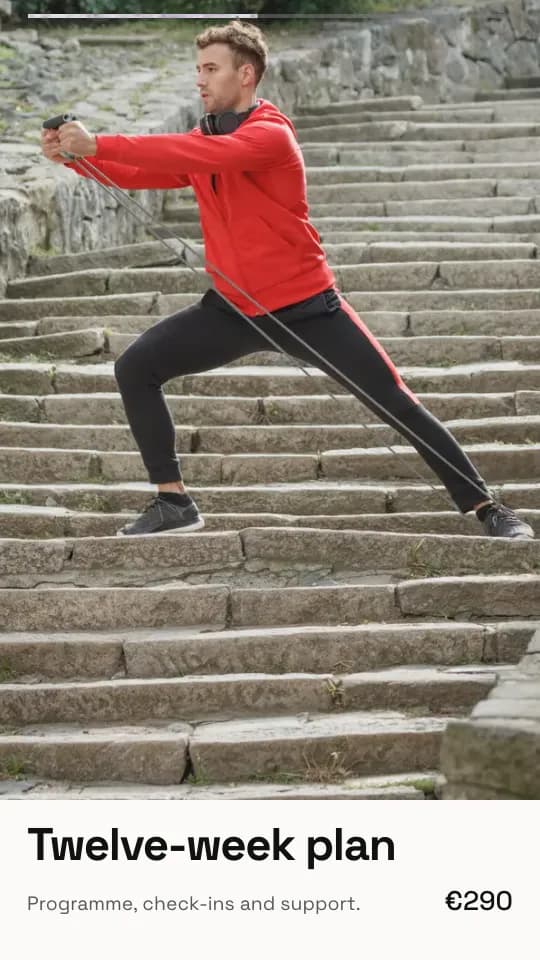
Menu
What you offer, card by card, with its price.
Shown on a coach’s page. Pages for coaches and trainers
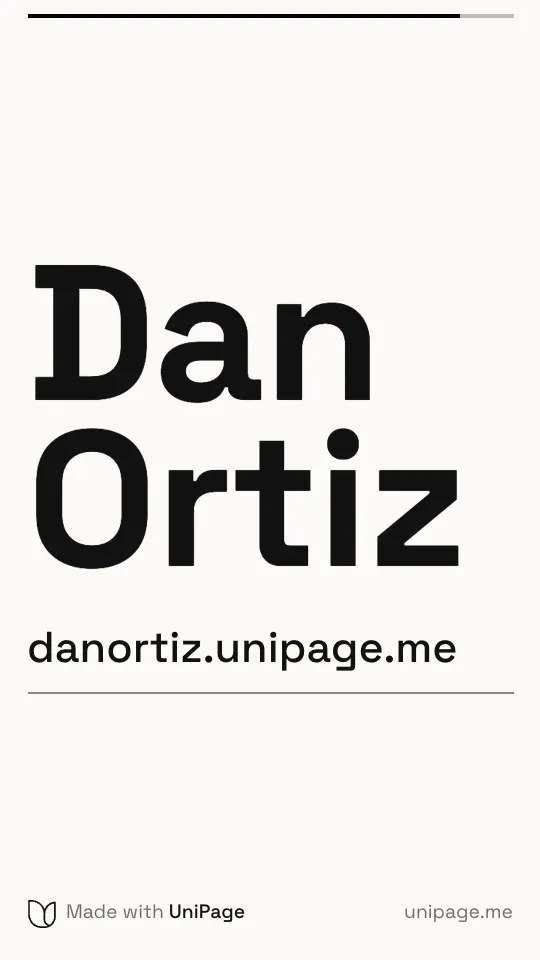
From page to story.
1
Make your page
Add your photos and pick a look. Your reel is made at the same moment.
2
Open Reel
In the editor, tap Reel. It plays full screen, with its five styles underneath.
3
Share it
Play it full screen and record your screen, then post it with the link to your page.
Questions.
- Do I have to film anything?
- No. The reel is made from the photos and words already on your page. Sections you hide are left out of it too.
- How long is it?
- 18 seconds: your page in motion, then five seconds on your name and address.
- Can I download it as a video?
- Not yet. For now, play it full screen on your phone and record the screen. Saving it as a video is on the way.
- Does it cost extra?
- No. Every plan includes the reel. It ends with a small “Made with UniPage” line.