 UniPage
Every outfit, shoppable.
Post a look with the pieces in it, each with its photo, price and where to buy it. Your followers shop the outfit instead of asking where it is from.
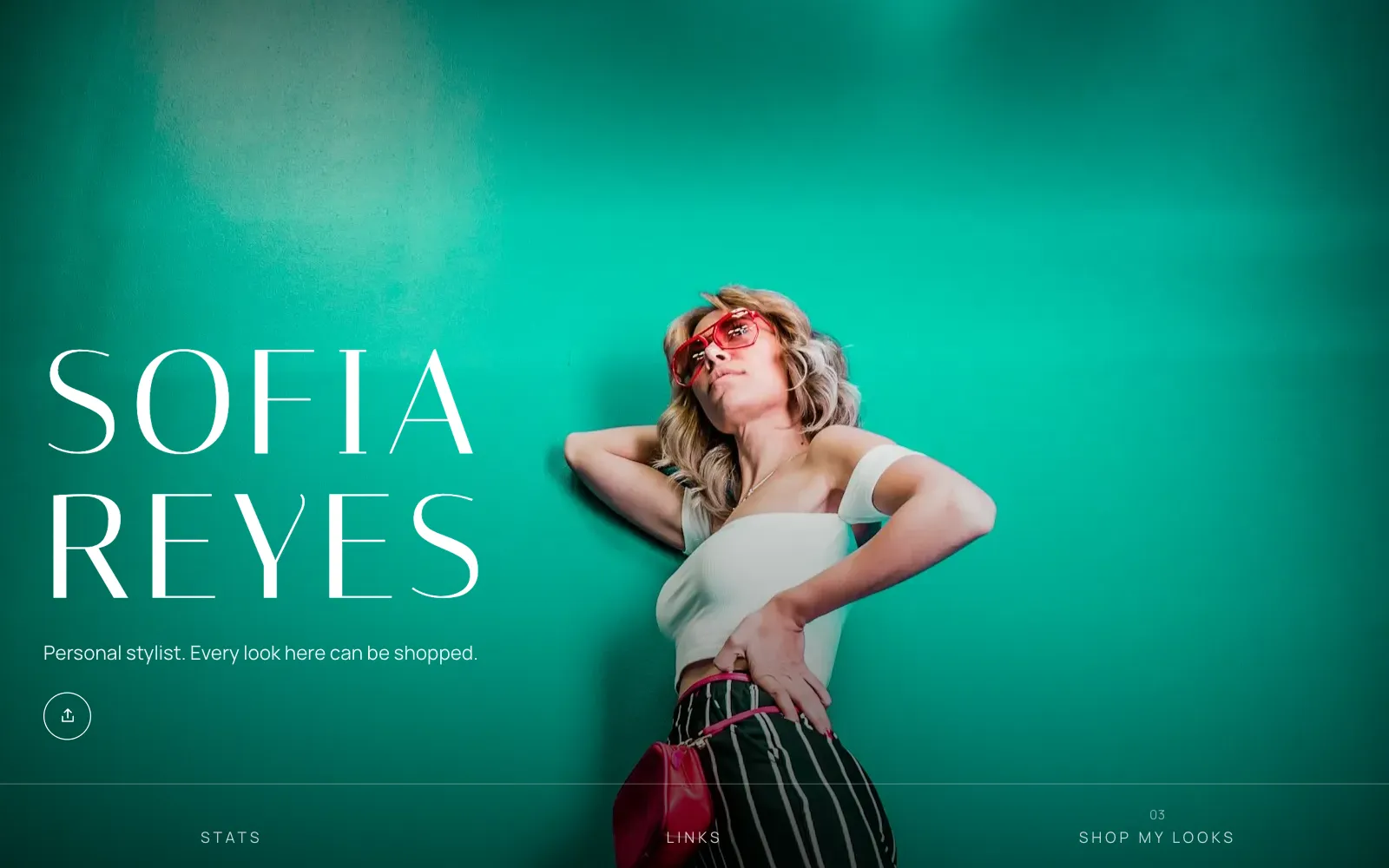
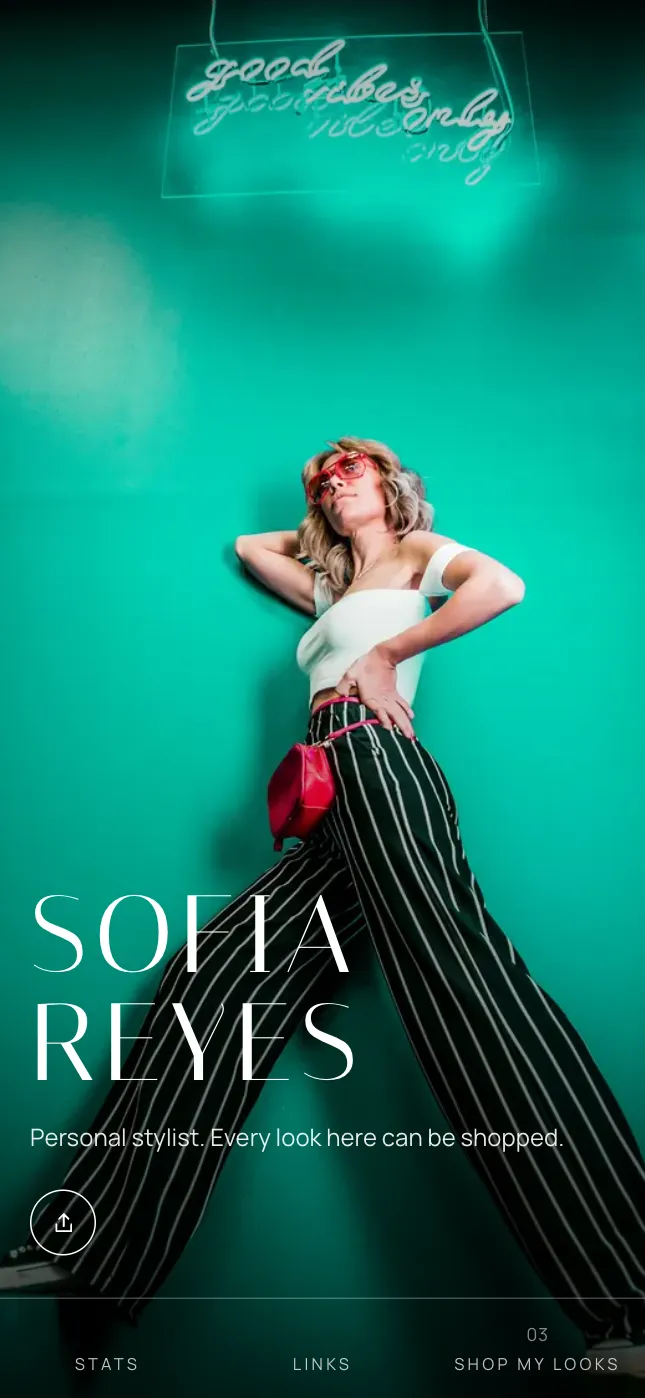
Four looks for stylists and fashion creators.
Each is a template set up for your kind of work. Pick one to start, then switch, or change the colours and fonts, whenever you like.
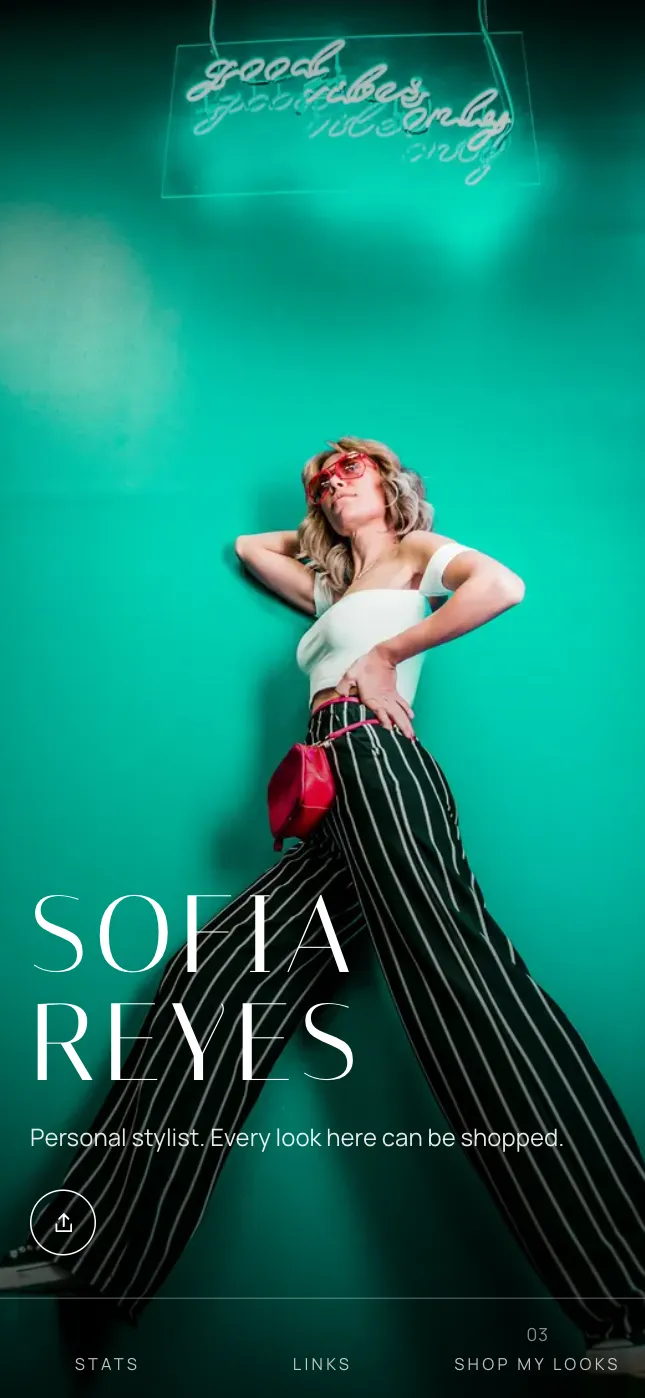
Editorial
On the Lookbook template
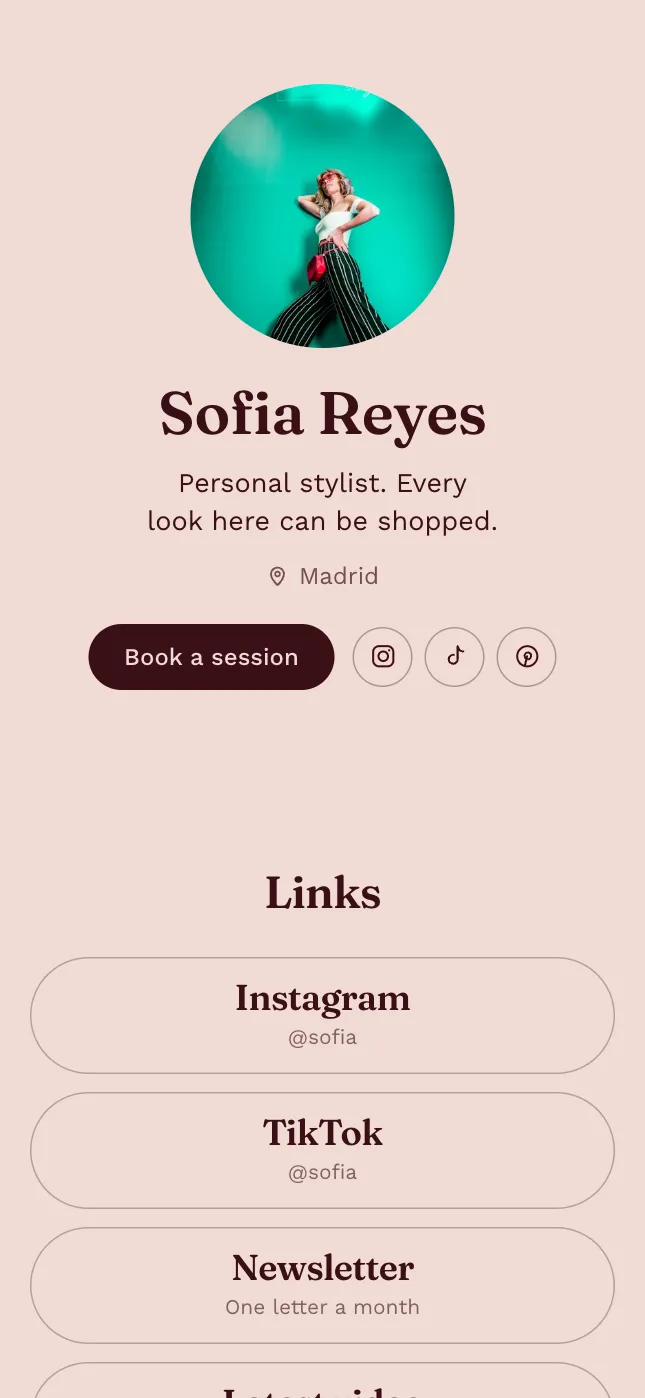
Boutique
On the Bio template
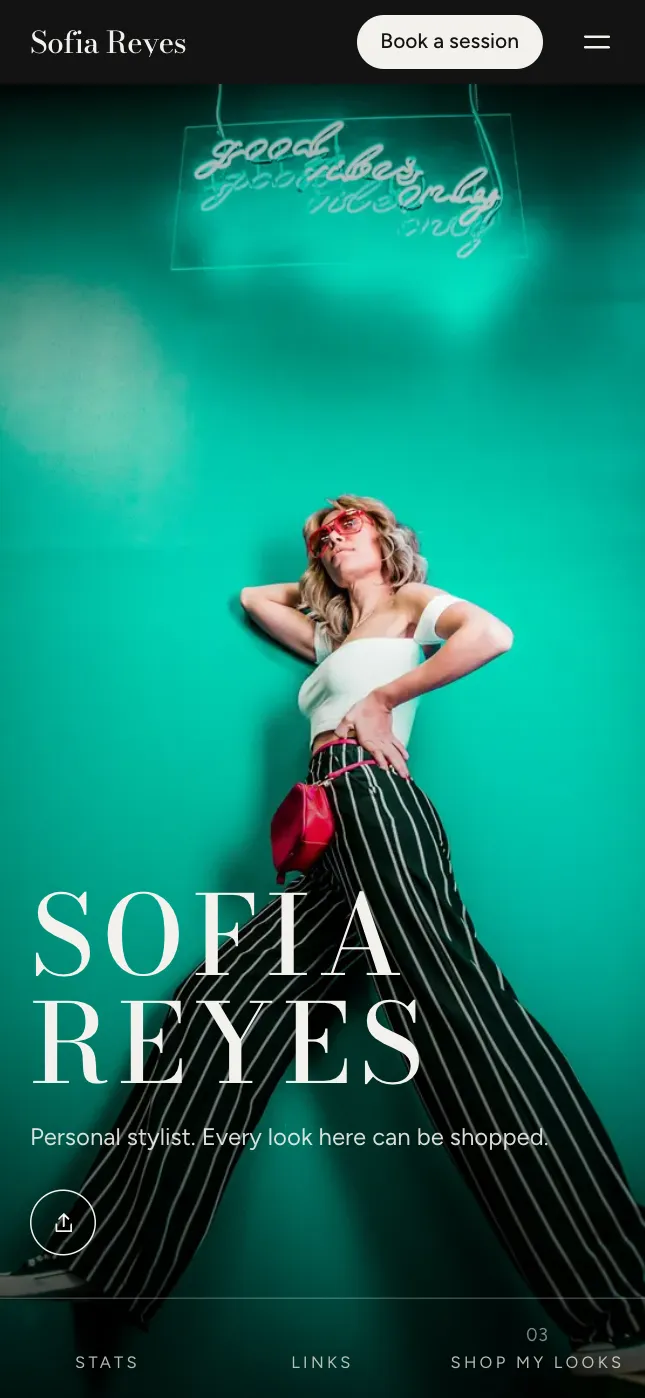
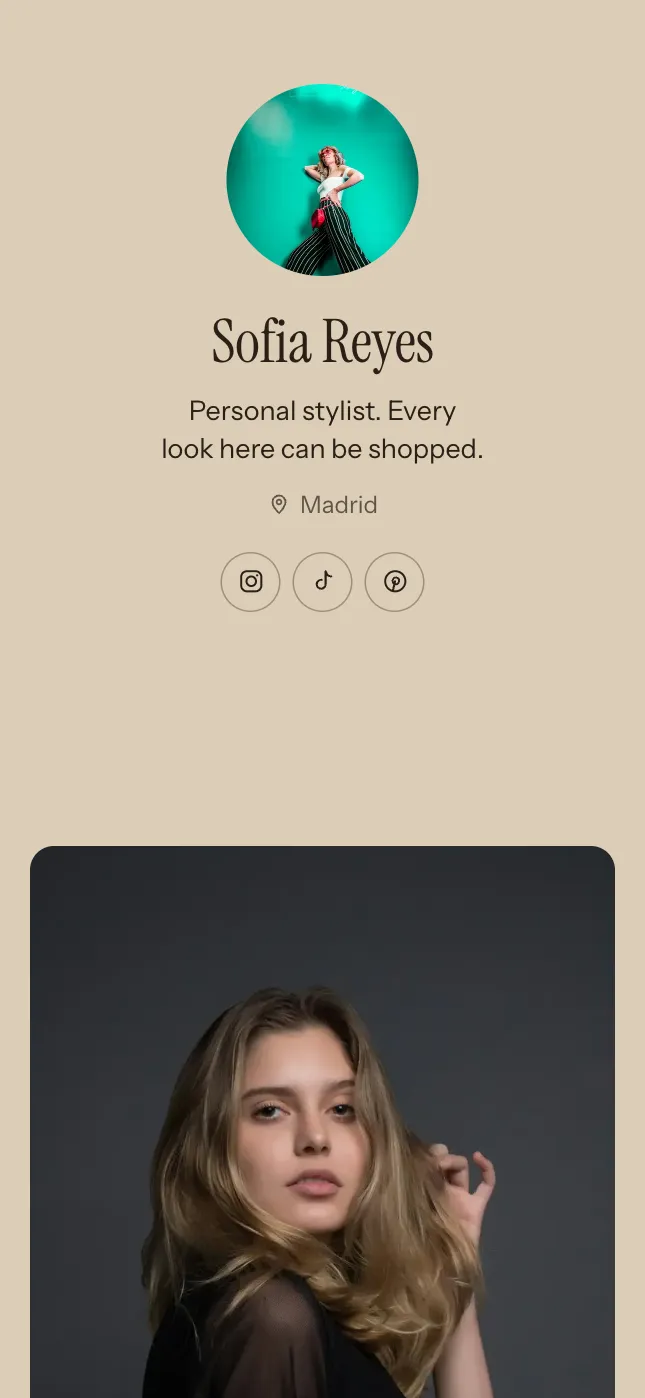
Runway
On the Noir template
Atelier
On the Atelier template
Or just type what to change.
Open the AI Editor and say it in your own words, in any language. It changes your page for you: the words, the layout, the colours, whole sections. Shown here with things stylists and fashion creators ask for.
Knows where you are
It works on the section you’re looking at, so “make this shorter” means this.
Does the fiddly parts
Sorts photos into categories, writes their descriptions, adds a product from its shop link.
One tap to undo
Every change it makes can be taken back at once, or changed by hand afterwards.
Every plan includes it: from 20 AI edits a day. You can also describe yourself at the start and get a first draft written for you.
See what you can askWhat a page for stylists and fashion creators holds.
It starts with these sections, already laid out. Add, move or remove any of them, and change every word.
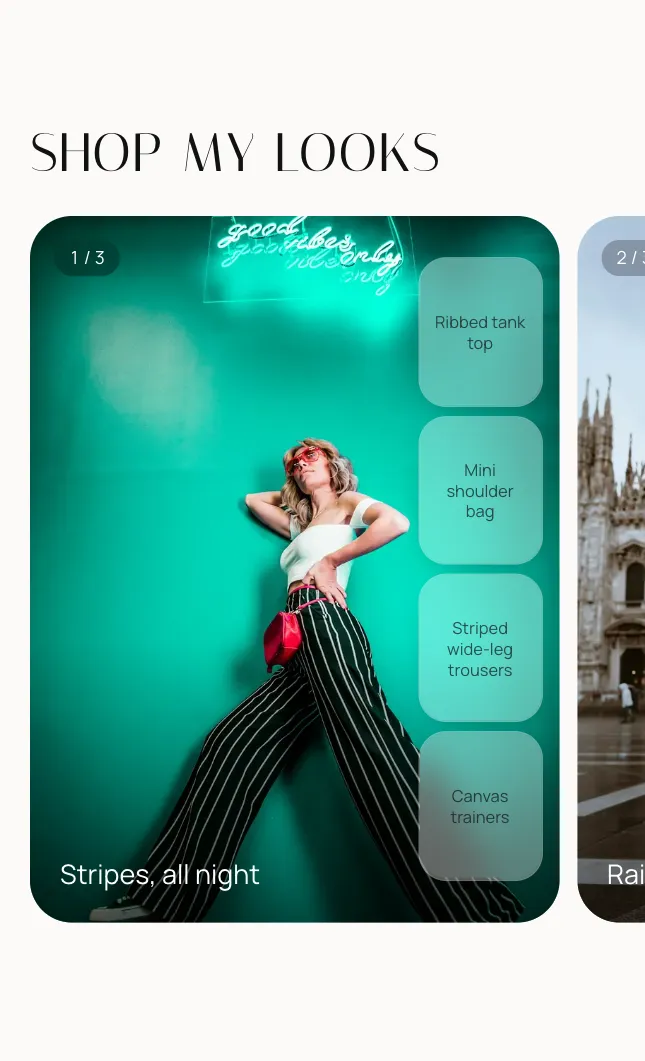
Shop my looks
Outfit photos to swipe through, with each piece standing on the photo. Tap one to see it large, with its price and a Shop button.
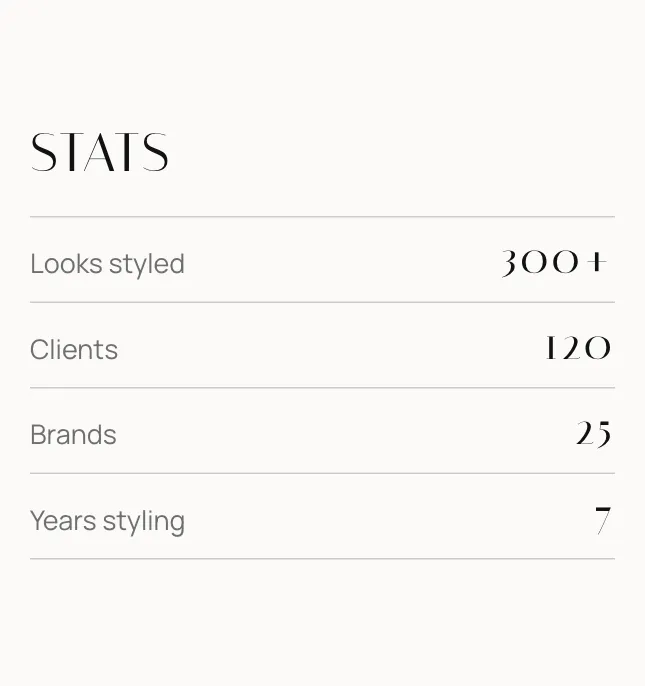
Your numbers
Looks styled, clients, brands and years, as large figures.
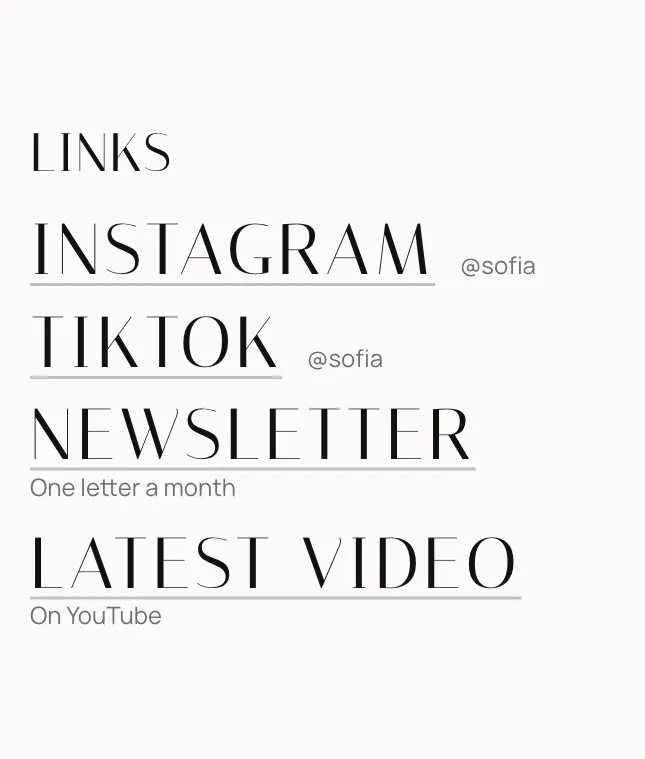
Links
Your Instagram, TikTok, Pinterest and a shop or newsletter, as buttons, rows or large type.
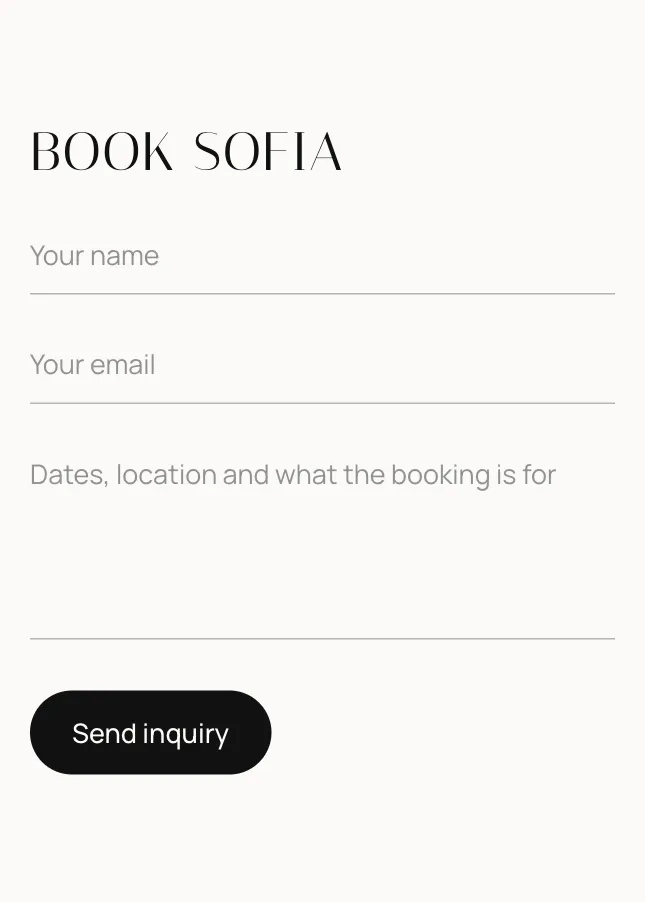
Book a session
Clients write to you from your page, and the message arrives in your inbox.
And more
Twenty kinds of section in all, each with layouts of its own. These suit stylists and fashion creators too.
- Photo gallery
- Videos
- Products or services
- Credits
- Banner
Live in about a minute.
- 1
Add your photos
One is enough to start. Each is placed for you, and you choose which part stays in view.
- 2
Pick a look
Editorial, Boutique, Runway or Atelier: four looks made for stylists and fashion creators, in colours you can change.
- 3
Claim your address
Publish at yourname.unipage.me and put the link in your bio.
Questions.
- Where do the product photos come from?
- Paste a piece’s shop link and its photo comes from the shop’s own page. You can also add one from your phone.
- Can I use affiliate links?
- Yes. Paste any link, from LTK, ShopMy, Amazon or a shop’s own programme. Switch on the commission line and it shows under every Shop button.
- Can I link to my Vinted or Depop listings?
- Yes. A piece can link anywhere, so you can sell your own clothes through the listing you already have.
- Can AI make the changes for me?
- Yes. Open the AI Editor and type what you want, like a new section, a shorter line or different colours. It changes your page, and every change can be undone. Every plan includes it, from 20 AI edits a day.
- What does UniPage cost?
- Building is free, and your page goes live free for 7 days with no card. To keep it live, Starter is $4 a month, Pro $9 and Business $19. Every page gets its own address at unipage.me.
Your page is a minute away.
Make your pageAlso for models, DJs and musicians, creators, influencers, photographers, designers, coaches and trainers and travel agents and tour guides.