Influencer media kit: what to include and how to keep it current
What brands look for in an influencer media kit, which numbers to show and how to explain them, whether to list rates, and why a live page beats a PDF.
· 6 min read
An influencer media kit is the page a brand reads before deciding to work with you. It answers their questions in one place: who you are, who follows you, how those people respond to your posts, who you have worked with and how to get in touch. A good one saves a week of back-and-forth emails.
This guide covers what to put in it, how to present your numbers honestly, whether to show rates, and why more creators now send a link instead of a PDF. There is a checklist at the end you can copy.
What brands look for in an influencer media kit
The person reading your media kit is usually a marketing manager or an agency with a shortlist and a deadline. They are trying to answer three things quickly:
- Is this audience the one we want? Age, location, interests. A skincare brand selling only in the UK needs to know how much of your audience lives there.
- Will people actually see and act on the post? This is where reach and engagement come in, more than follower count.
- Is this person easy and safe to work with? Past brand work, the style of your content, and how clearly you explain what you offer.
Everything in your media kit should help with one of those three. If a section does not, cut it.
The numbers to show, and what they mean
Brands will compare your figures with other creators, so they need to be clear, recent and taken from your platform’s own insights. Never round up and never guess. If a brand later asks for screenshots, they should match.
Audience
Who follows you: the main countries and cities, age ranges and gender split, all shown in your Instagram, TikTok or YouTube analytics. Show the top few of each rather than every line. This is often the number that decides whether you are a fit at all.
Reach and views
Reach is how many different accounts saw your content over a period; views or impressions count every time it was shown, including repeats. Give an average per post or per reel over the last 30 or 90 days, and say which. Averages over a set period are more useful to a brand than your single best post.
Engagement
Engagement is how people respond: likes, comments, saves, shares and replies. Engagement rate is usually that total divided by followers or by reach, shown as a percentage. There is no single standard formula, so write which one you used. What counts as “good” varies a lot by platform, niche and audience size, so let the brand compare rather than calling your own rate high.
Followers
Include follower counts per platform, but do not lead with them. A smaller account with a well-defined, responsive audience is often more interesting to a brand than a large one with a general audience.
Past brand work and credits
Previous collaborations are the strongest proof you can offer. For each one, give:
- The brand name and what you made (one reel, a three-story series, a long-term partnership).
- A link or a still of the content itself.
- A result, but only if you have it from your own insights or the brand shared it with you.
If you have not done paid work yet, show organic content in the categories you want to work in: a product you genuinely use, a styled flat lay, a short review. Brands want to see how you would present them.
Should you list your rates?
There is no right answer, only a trade-off. Some creators show rates openly; others prefer to quote each project.
| Show rates | Quote on request | |
|---|---|---|
| Good for | Fewer time-wasting enquiries, faster decisions | Flexibility per brand, bundles, usage rights |
| Risk | Pricing yourself too low, or scaring off a bigger budget | More emails before anything is agreed |
| Works well as | “From” prices per format | A list of formats with “ask for a quote” |
Whichever you choose, list the formats you offer: feed post, reel, story set, TikTok video, YouTube integration, event appearance. Note whether usage rights (the brand reposting or advertising with your content) are included or priced separately, because that is where most misunderstandings start.
A live web page vs a PDF
The PDF media kit made sense when everything went by email. It has some drawbacks now:
- It is out of date the day after you send it.
- It is awkward to open and zoom on a phone, where most people read.
- Old versions keep circulating with old numbers.
A media kit on a web page fixes all three. You update it once and every link you have ever sent shows the latest version. You can include video, which is what you are selling. And you can put the link in your bio, so brands find it without asking.
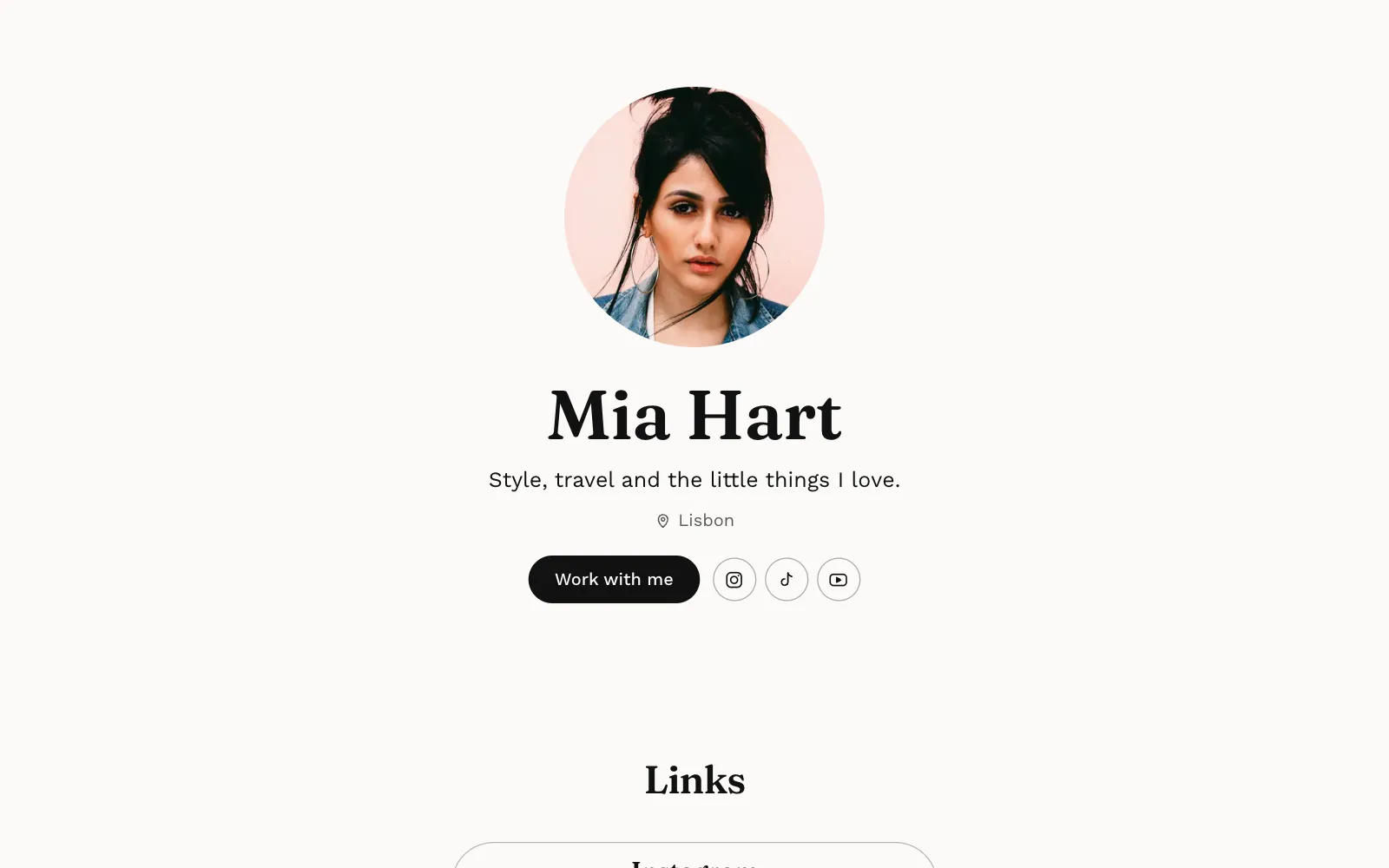
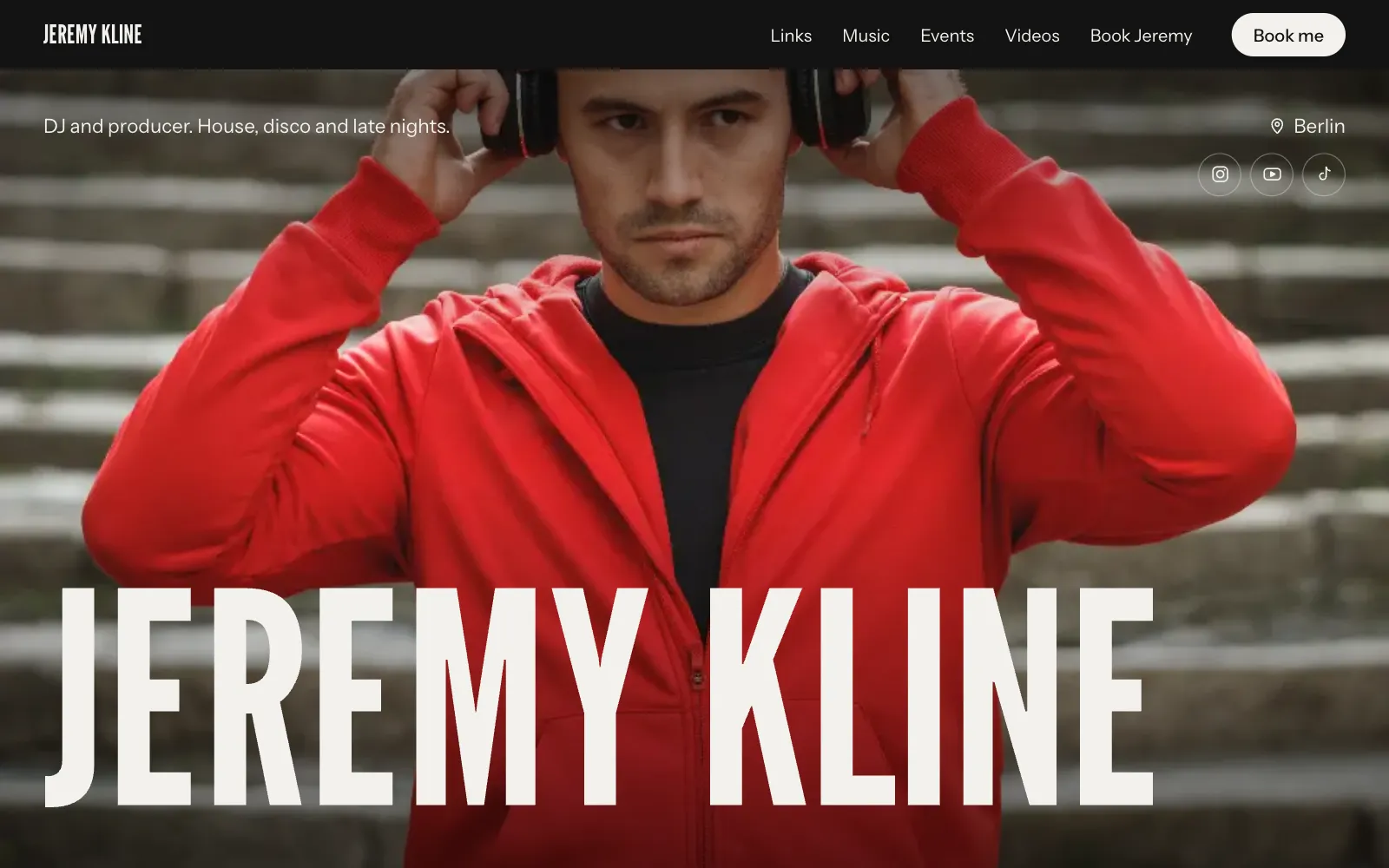
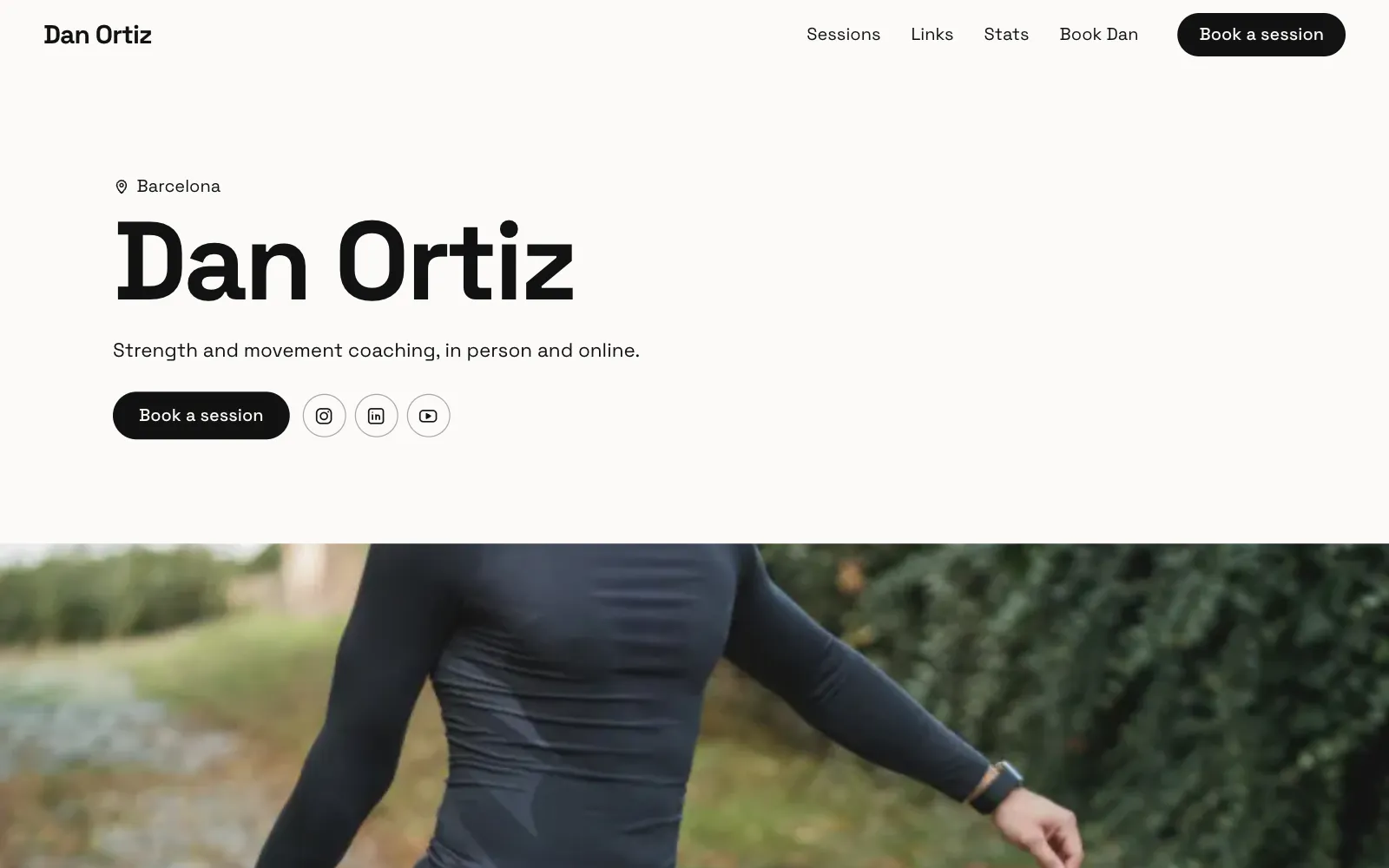
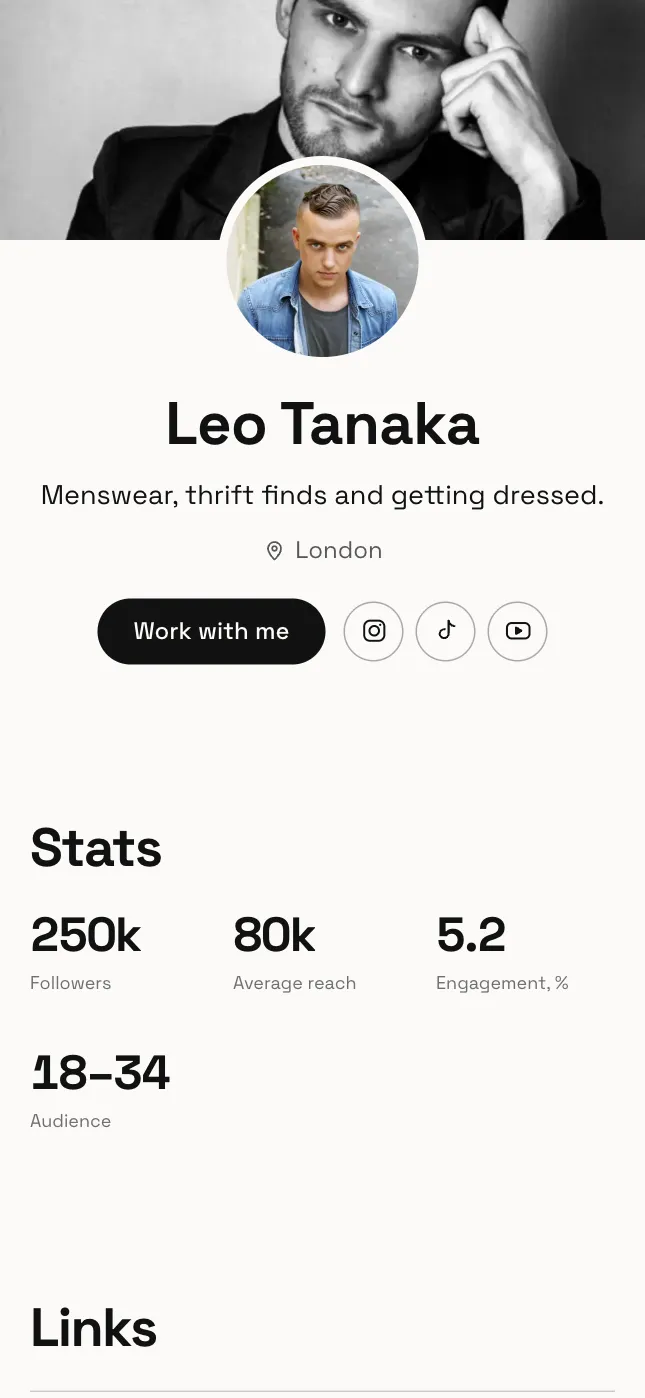
On UniPage, a media kit is a set of sections on your page: a Stats section for followers, reach or any label and value you choose, Credits for past brand work, Cards for your collaboration formats and prices, and a Booking form so enquiries arrive in an inbox in your dashboard and by email. The page for influencers starts with these already in place. If a brand still asks for a PDF, you can keep one as well and link to the page from it.
For more on choosing between a full page and a list of links, see personal website vs link in bio.
Keeping it current
A stale media kit can cost you more than not having one. Set a simple routine:
- Monthly: refresh followers, reach and engagement, and update the date.
- After each campaign: add the brand to your credits once the content is public.
- Every few months: swap in recent photos and check your rates still make sense.
- When your focus changes: rewrite the introduction so it describes what you post now.
With the AI Editor this is a matter of typing “change my Instagram followers to 48.2K” or “add my spring campaign to my credits” rather than reopening a design file.
Influencer media kit checklist
Copy this and tick each line before you send your link.
- A clear photo of you and your name or handle at the top.
- Two or three sentences on what you post and who it is for.
- Platforms with follower counts and links to each profile.
- Audience: top countries, age ranges, gender split.
- Average reach or views per post, with the period stated.
- Engagement rate, with how you calculated it.
- The date your numbers were taken.
- Past brand work with links to the content.
- Formats you offer, with prices or “quote on request”.
- Whether usage rights are included.
- A short selection of your best recent content.
- An obvious way to get in touch, ideally an enquiry form.
Once it is live, share it: put the link in your bio and mention it in stories now and then. Every page on UniPage comes with a short reel made from your page you can post to point people to it.
Questions
- What should an influencer media kit include?
- A short introduction, who your audience is, your reach and engagement with the date you measured them, past brand work, the kinds of collaboration you offer and a clear way to contact you. Rates are optional.
- Should I put my rates in my media kit?
- It depends on how you work. Listing starting prices saves time and filters out brands that cannot afford you, while leaving them out lets you quote per project. A common middle ground is “from” prices with a note that packages are quoted on request.
- Is a PDF or a web page better for a media kit?
- A web page is easier to keep current, opens well on a phone and always shows the latest numbers at the same link. A PDF is still useful when a brand asks for an attachment, so some creators keep both.
- How often should I update my media kit?
- Update your numbers at least once a month, and add each brand collaboration as soon as it is public. Always show the date your figures were taken.
- Do small influencers need a media kit?
- Yes. A clear media kit helps most when your follower count is modest, because it shows brands who your audience is and how engaged it is, which is often what they care about.
Make your page with AI, in about a minute.
No sign-up to start. Live free for 7 days, no card. See pages for influencers.
Make your page